
Alongside Duolingo · Vocabulary review · Free to use
Keep the course. Keep the words, too.
Duolingo takes you through the course. repeat.cards makes sure the words you meet along the way are still there next month — with a card for each, and a review at the right moment.
Set up a deck next to your course
Two tools, two jobs
A course app chooses the words for you and brings them in an order that builds on itself. That is what makes it a good place to start. But the course is the same for everybody, and your vocabulary is not: the words you get wrong, the words you need for your job, the words from a series you watch. repeat.cards is where those words live. It does not teach and it does not compete with the course — it runs next to it and keeps what you have met.
Its job
- Duolingo
- Taking you through a course
- repeat.cards
- Keeping the words you choose
Who picks the words
- Duolingo
- The course
- repeat.cards
- You
Grammar
- Duolingo
- Part of the course
- repeat.cards
- Kept on the card: article, plural, verb forms
Words from outside the course
- Duolingo
- Not its job
- repeat.cards
- Any word you add, or catch on Android
What you get
- Duolingo
- Structure and a daily habit
- repeat.cards
- Words you still know months later
A routine after each lesson
- Make one deck for the language. Pick the language you are learning and the one you learn from. For Spanish, German, French, Portuguese, Italian, Russian and English the deck comes with the right grammar fields preset.
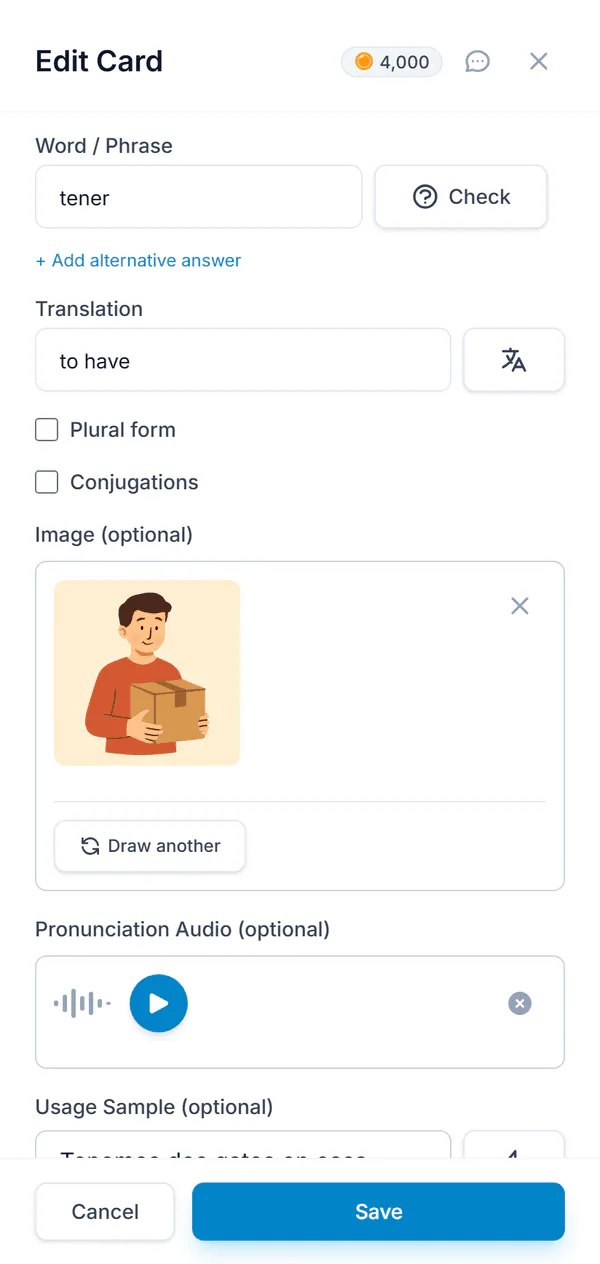
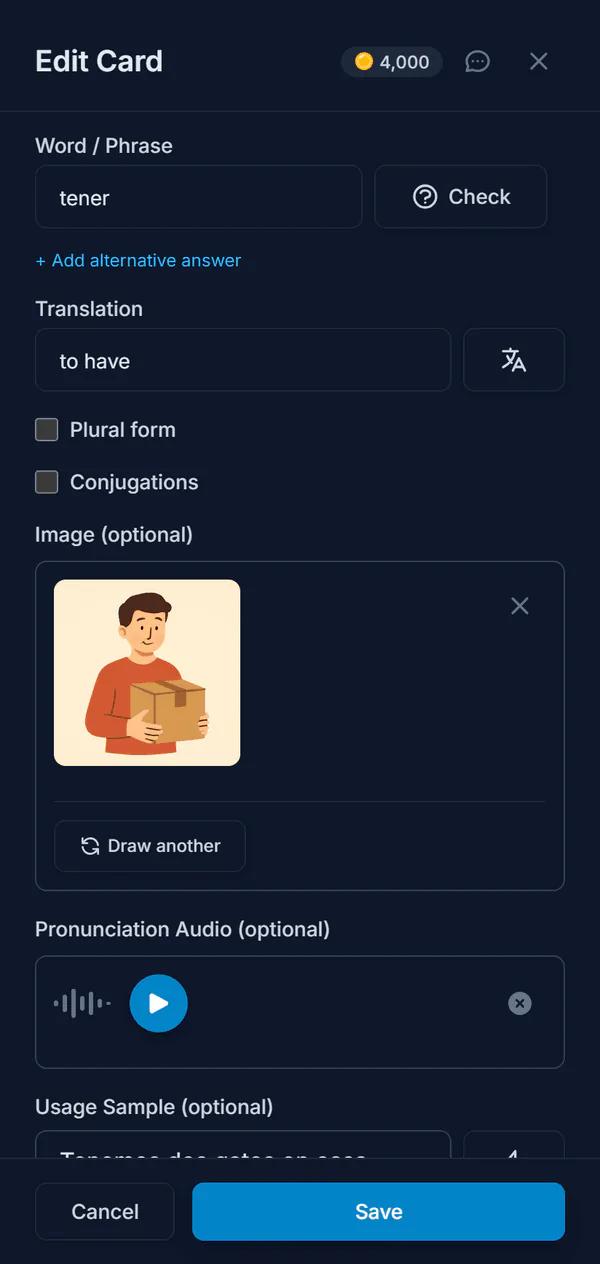
- After the lesson, add three to five words. The ones that were new or that you got wrong. Type the word, press Translate, and pick the meaning the lesson used.
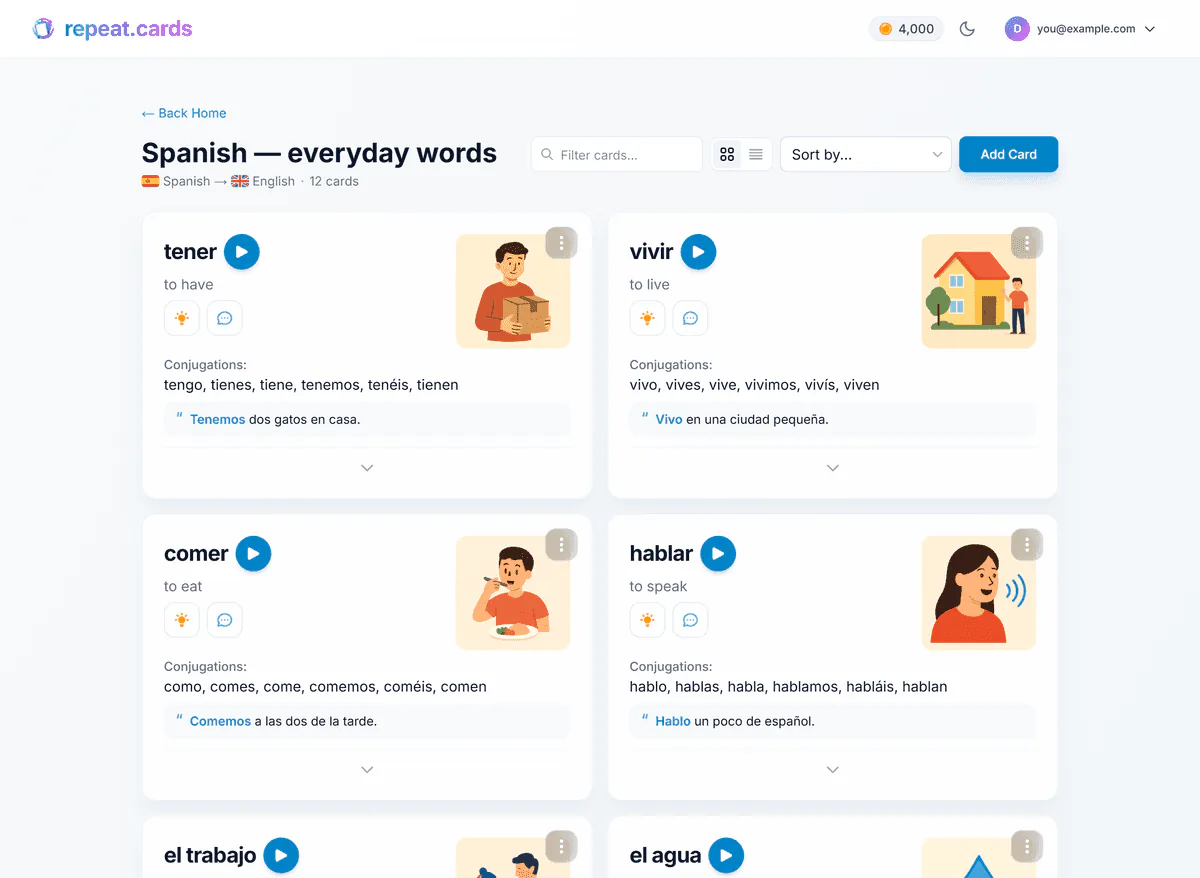
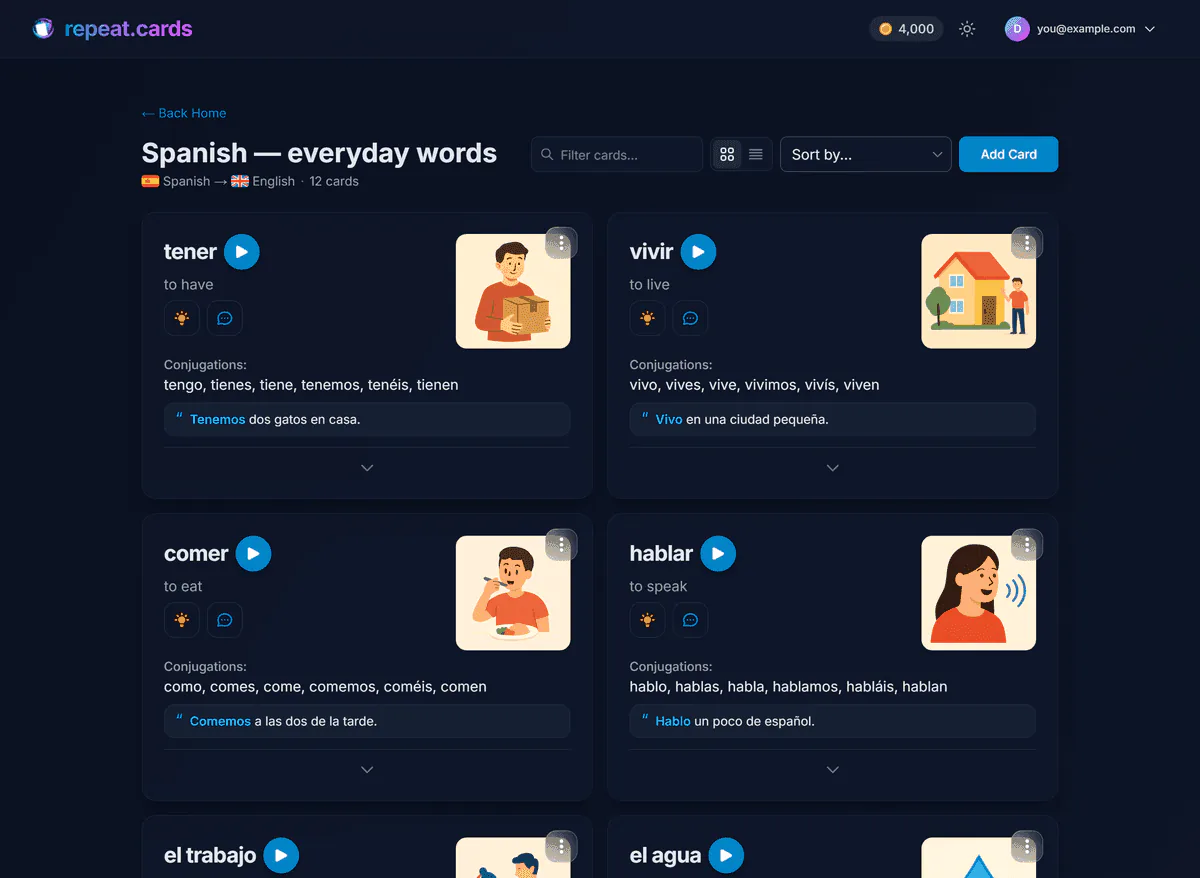
- Let AI fill in the card. One press each for an example sentence, the pronunciation, a picture, or a mnemonic when the word will not stick.
- Review when repeat.cards asks. It schedules every word with FSRS, and the two directions — recognising the word and producing it — separately. Answers are typed, and the check shows exactly what was off.
Which words are worth a card
Not every word in a lesson needs one. Add the words you hesitated over, the ones you got wrong, and the ones you want to be able to say rather than only recognise. Skip the ones that already feel easy: the course will bring them back anyway. A noun goes in with its article when your deck uses articles, and a verb with the forms your deck asks for, so each review practises the word the way the lesson used it.
Words from outside the course
The words that matter most are often not in any lesson. On Android, a floating bubble sits over any other app — a video, a book, a chat. Tap it, mark the words on the screen, and they wait in an inbox with their translation until you move them into your deck. On the web you add them by typing, the same way as after a lesson.
Keeping it small enough to keep up
Every word you add comes back for reviews, so a steady trickle beats a big weekly batch. Set a daily limit for new words and one for reviews, and check the forecast to see how many cards are coming in the next weeks. In a free Android app, you can have reminders on the days and hours you choose. The pricing page says what the AI costs and what stays free.
Flashcards with Duolingo FAQ
Should I stop using Duolingo and use flashcards instead?
Can I import my words from Duolingo?
How many words should I add after a lesson?
Does repeat.cards teach grammar?
Is it free?
Keep the course. Keep the words.
Make a deck for the language you are learning and add the words from today's lesson. Free to start, no credit card.
Get started — freeAlongside any course · FSRS in both directions · 100+ languages
Keep reading
Vocabulary app
Add the words you meet at any level; AI fills in each card and spaced repetition keeps them.
Capture words
A floating bubble on Android catches words from any app, translates them and keeps them for later.
Spaced repetition
FSRS schedules each word for the moment you would forget it, with the two directions of every card scheduled separately.
Pricing
What coins are, what packs cost, and what stays free.