
Spaced repetition · FSRS · Both directions
See each word again just before you forget it.
repeat.cards schedules every card with FSRS, the open-source spaced repetition algorithm, and keeps a separate schedule for each direction of the card. You bring the words; it decides when you see them.
Add your first words and start
How does spaced repetition decide when I see a word?
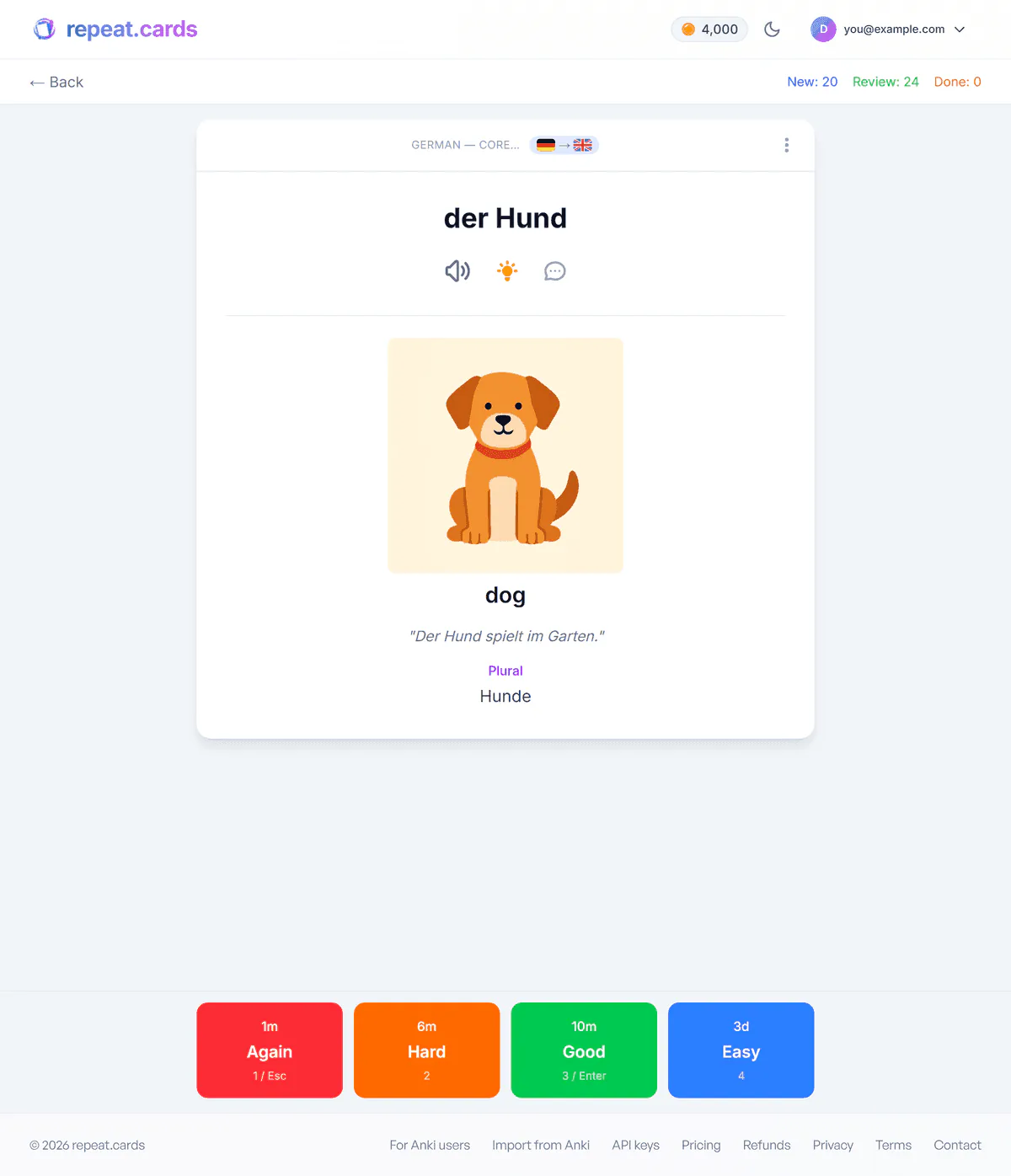
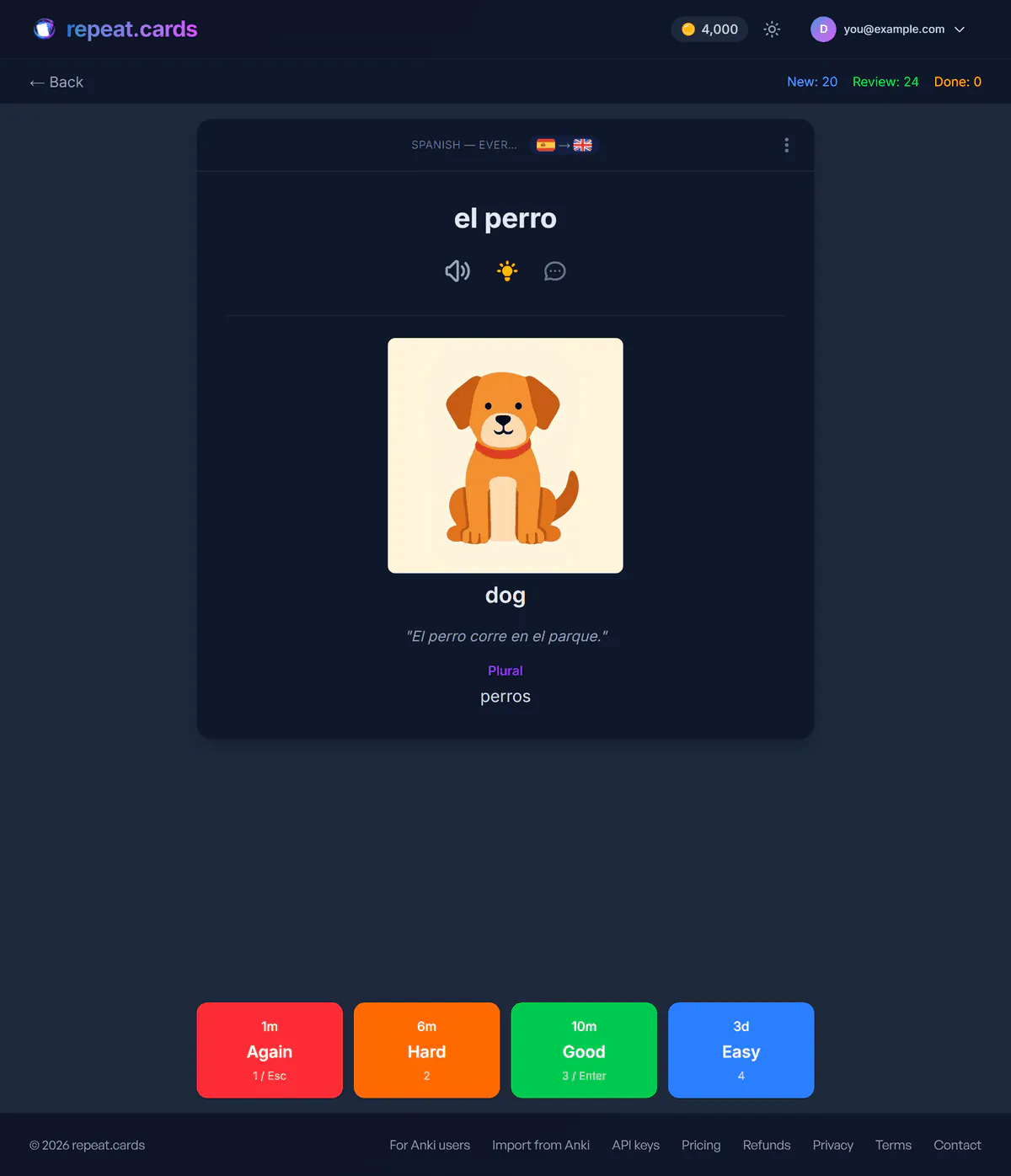
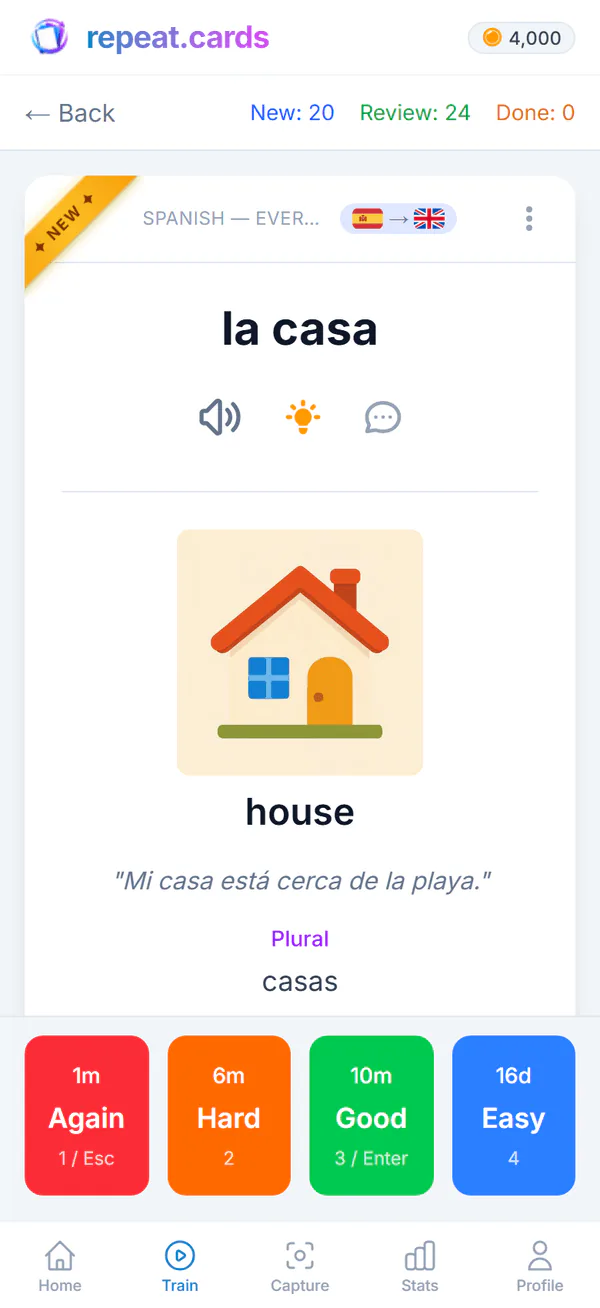
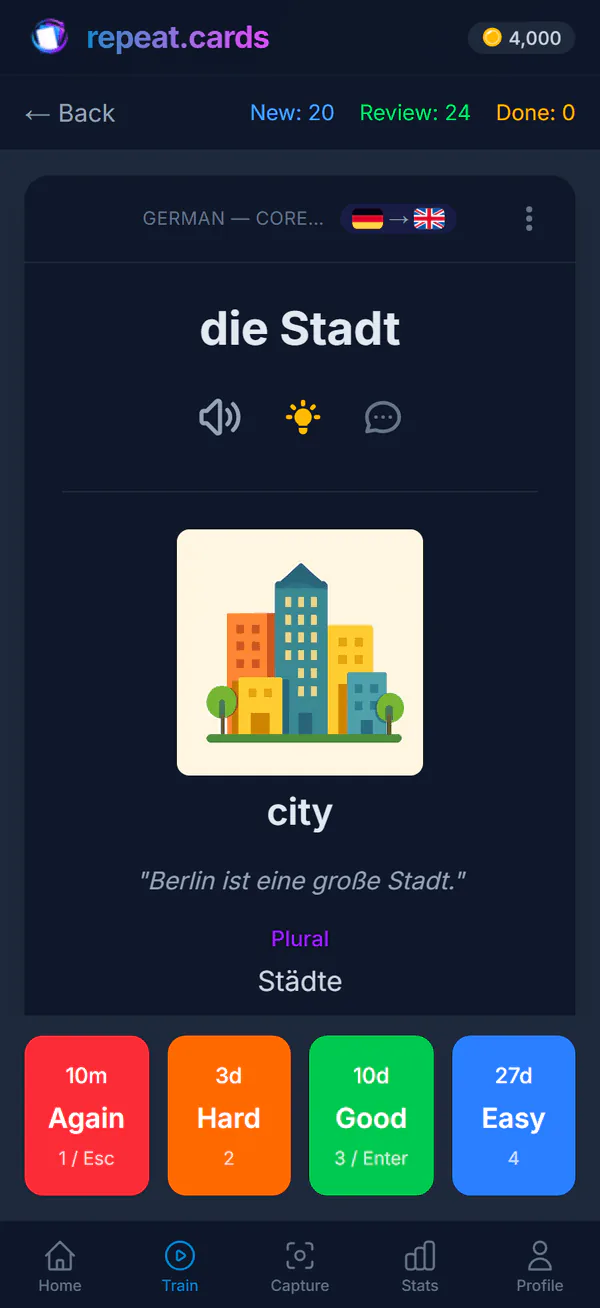
Every time you answer a card you rate how it went: Again, Hard, Good or Easy. FSRS turns that rating into a new estimate of how well the word is held, and schedules the next review for the day your chance of recalling it falls to about 90%. A word you remember easily moves out to weeks and then months; a word you miss comes back the same day and climbs again from there.
You do not have to guess what a rating will do. Each of the four buttons shows the interval it will give before you press it, so “Hard” and “Good” are a choice between two dates you can see.
Why each card has two schedules
A vocabulary card can be asked two ways. On the front you see the word and recall what it means. On the back you see the meaning and type the word yourself. The second is harder — you have to produce the spelling, the article, the accent — and it fades faster.
So repeat.cards keeps two complete FSRS states per card, one for each side. Answering one side never moves the other. Here is what that looks like for one word:
You see
- Front: recognise
- casa
- Back: produce
- house
You answer
- Front: recognise
- Recall the meaning, then check
- Back: produce
- Type the word, then compare
Its own schedule
- Front: recognise
- Stability, difficulty, next due date
- Back: produce
- Stability, difficulty, next due date
Typical path
- Front: recognise
- Moves out quickly once you know it
- Back: produce
- Comes back more often until you can spell it
Can be mastered
- Front: recognise
- On its own
- Back: produce
- On its own
In a new account’s first session the front comes before the back, so nobody is asked to type a word they have not been shown yet.
Fixed intervals, SM-2 and FSRS
Spaced repetition apps differ mostly in how they choose the next date. The table is the short version.
Next review
- Fixed boxes (Leitner)
- Set by the box a card is in
- SM-2
- Previous interval times an ease factor
- FSRS
- Predicted from a model of memory
Adapts to the card
- Fixed boxes (Leitner)
- Only by moving boxes
- SM-2
- Through the ease factor
- FSRS
- Tracks stability and difficulty per card
Aims for
- Fixed boxes (Leitner)
- Nothing explicit
- SM-2
- Nothing explicit
- FSRS
- A recall probability, about 90% here
In repeat.cards
- Fixed boxes (Leitner)
- No
- SM-2
- No
- FSRS
- Yes, for every side of every card
Your pace, not the algorithm’s
FSRS decides when a word is due. You decide how much of it you take on: a limit on new cards per day (20 unless you change it) and on reviews per day (200 unless you change it). If you study past midnight, set the hour your learning day ends, and a late session still counts for the day you think it does. Reached the limit and want more? Add extra new cards or reviews for today without touching your usual limits.
The review forecast shows what those limits add up to over the coming weeks.
Spaced repetition FAQ
What is spaced repetition?
What is FSRS?
Why are the two directions scheduled separately?
Do I have to set anything up?
What if I stop reviewing a word I already know?
Is it free?
Bring the words. We'll handle the timing.
Create a deck, add a few words, and the first review is scheduled from your first answer. Free, no credit card.
Get started — freeFSRS for every card · Two directions · Your daily limits
Keep reading
Review forecast
See how many reviews are coming day by day, per deck, at your own daily limits.
Typed answers
Type the word instead of picking it; a letter-by-letter diff shows exactly what was off.
AI flashcards
Type a word and AI fills in the rest of the card: example, audio, mnemonic, picture, grammar.
Pricing
What coins are, what packs cost, and what stays free.