
Books · Android, iPhone and the web
Read the book you chose. Keep the words you meet in it.
Upload an EPUB or FB2 book and read it in the app. Tap a word or select a phrase to see its translation, save it to your inbox, and turn it into a flashcard that spaced repetition keeps for you.
How does reading with repeat.cards work?
A word met in a book you care about is easier to remember than a word from a list. The reader keeps you in the book: the translation opens over the page, and the word waits in your inbox while you read on.
- Upload a book. Add an EPUB or FB2 file from your phone or computer and tell the app its language if the book does not say.
- Tap a word, or select a phrase. The translation opens over the page: several options for a word, the meaning as a whole for a phrase.
- Save it and train it. The word goes to your inbox with its translation. From there it becomes a flashcard, and spaced repetition brings it back just before you would forget it.
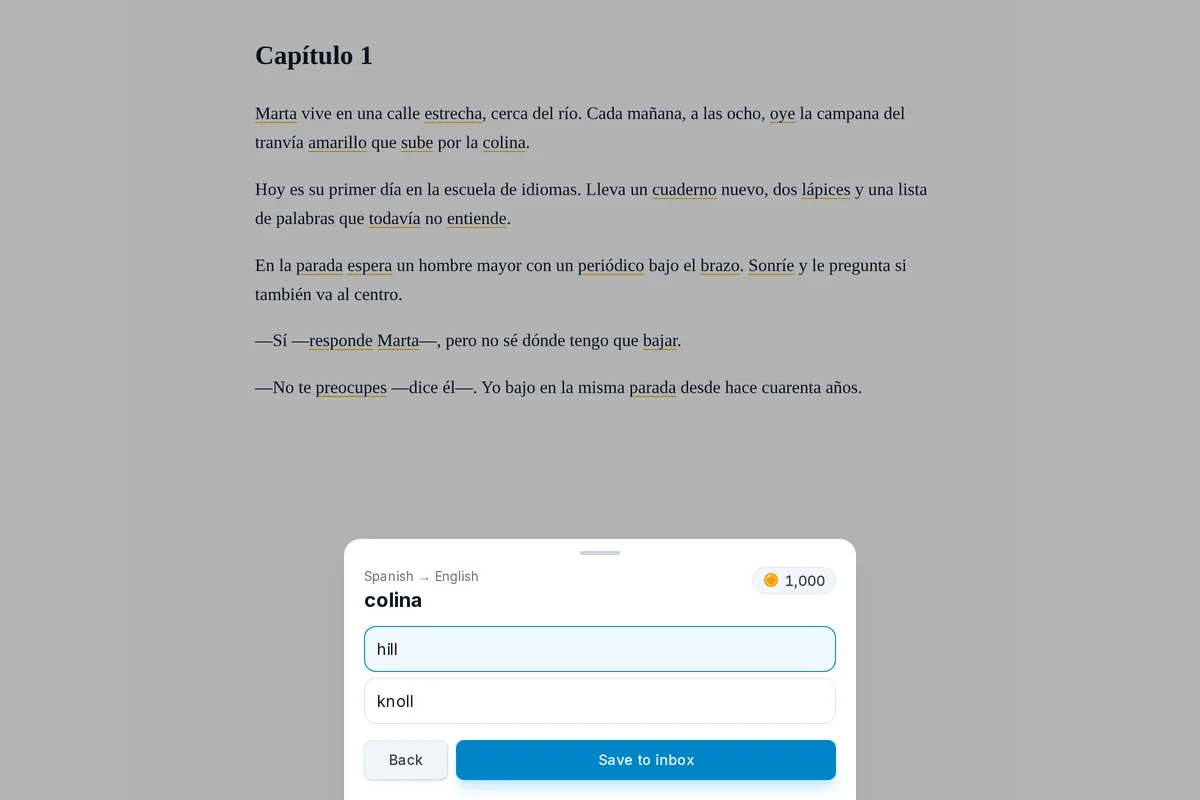
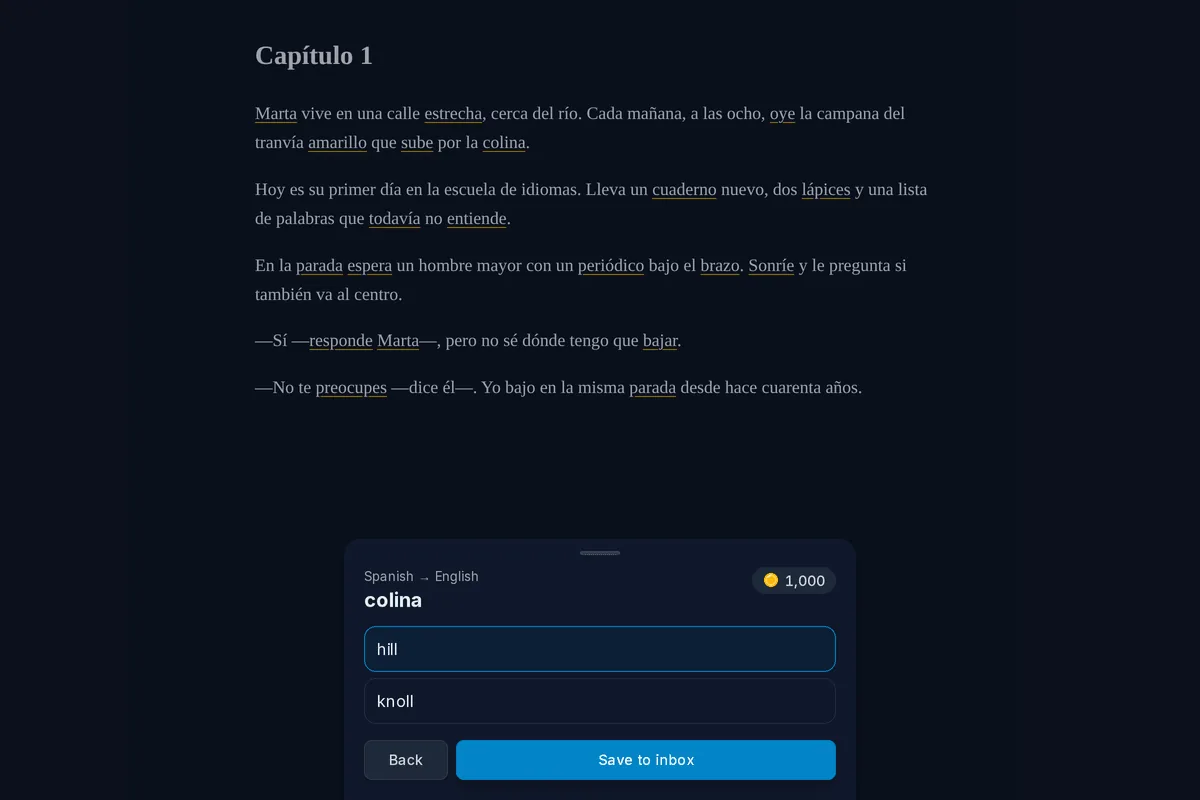
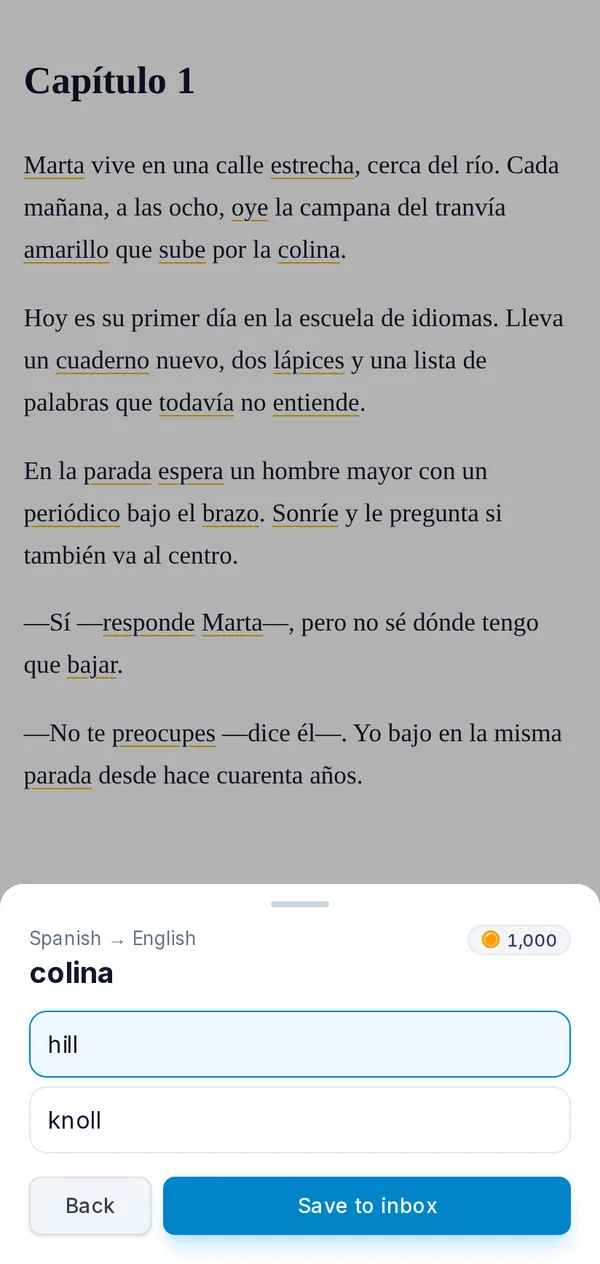
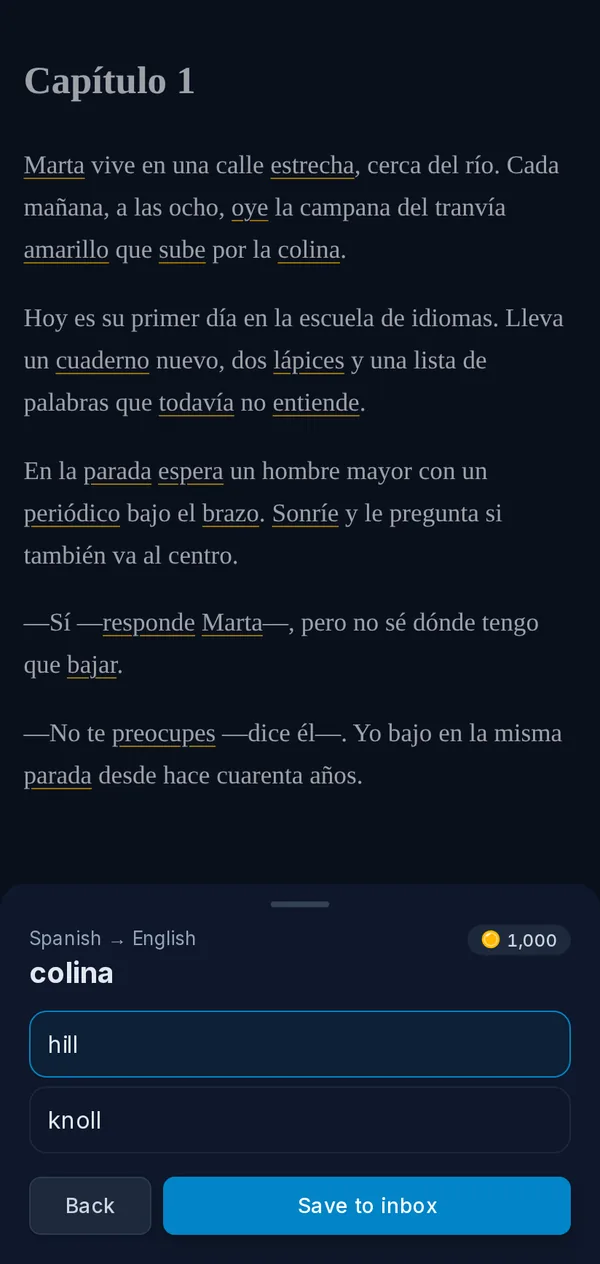
One word, from a page to a card
Here is the whole trip for one word met in a book.
Open the book
- What happens
- It opens on the page where you stopped, with new words marked
Tap a marked word
- What happens
- Its translations open below the page
Save one of them
- What happens
- The word waits in the inbox with that translation
Hold a word you already know
- What happens
- It goes onto your known-words list and its mark disappears
Open the inbox later
- What happens
- Turn the word into a card in the deck for that language
What the reader does for you
- Words you know stay plain. Only words that are not on your known-words list for the book’s language are marked. Hold a marked word to put it on the list, and the mark goes.
- A mode for picking words. Turn on translate mode and a swipe selects whole words, so a phrase or a sentence is picked as easily as a single word.
- The book keeps your place. The book and the page you stopped on are kept in your account, so you can start on the phone and carry on on a computer.
- Reading settings. Text size, typeface, line spacing and margins, and a switch for the new-word marks when you just want to read.
Where your books are kept
A book you upload is stored in your account, up to 10 books of 30 MB each, and only you can open it. Reading needs a connection, because the book is loaded from your account. Translating uses AI and runs on coins; reading, marking new words and saving a word cost nothing. Prices are on the pricing page.
Reading books FAQ
Which book formats can I read?
Where are my books stored?
Which languages can the books be in?
Does the reader work on my phone and on the web?
Does reading cost anything?
Turn your next book into vocabulary.
Create an account, upload a book you want to read, and keep the words you meet in it. Free to start, no credit card.
Get started — freeEPUB and FB2 · New words marked · Android, iPhone and the web
Keep reading
Learn from videos
Open a video link or file, tap a word in the subtitles to translate it, and save it for training.
Capture words
Catch words from the screen with the Android bubble, from a photo or from pasted text, and keep them in an inbox.
Spaced repetition
FSRS schedules each word for the moment you would forget it, with the two directions of every card scheduled separately.
Pricing
What coins are, what packs cost, and what stays free.