
Vocabulary app · Any level · Free to use
Remember the words you actually meet.
Bring the words from your course, your book or your series. repeat.cards builds a card for each and shows it again at the moment you are about to forget it.
What a vocabulary app has to do
Learning vocabulary comes down to three jobs. The words have to get in, with as little typing as possible. Each word needs enough around it — a sentence, a sound, a hook — to be memorable. And the reviews have to come at the right time: too early wastes your effort, too late and the word is gone. repeat.cards does all three, and it does them for the words you chose, not for a list somebody else wrote.
Getting your words in
Type a word, press Translate, and pick the meaning you meant from the translations that come back. The word check tidies spelling and capitalisation and, when your deck uses articles, adds the article to a noun. On Android, a floating bubble sits over any other app: tap it while you watch or read, mark the words on the screen, and they land in an inbox with their translation until you decide which deck they belong to.
Making each word memorable
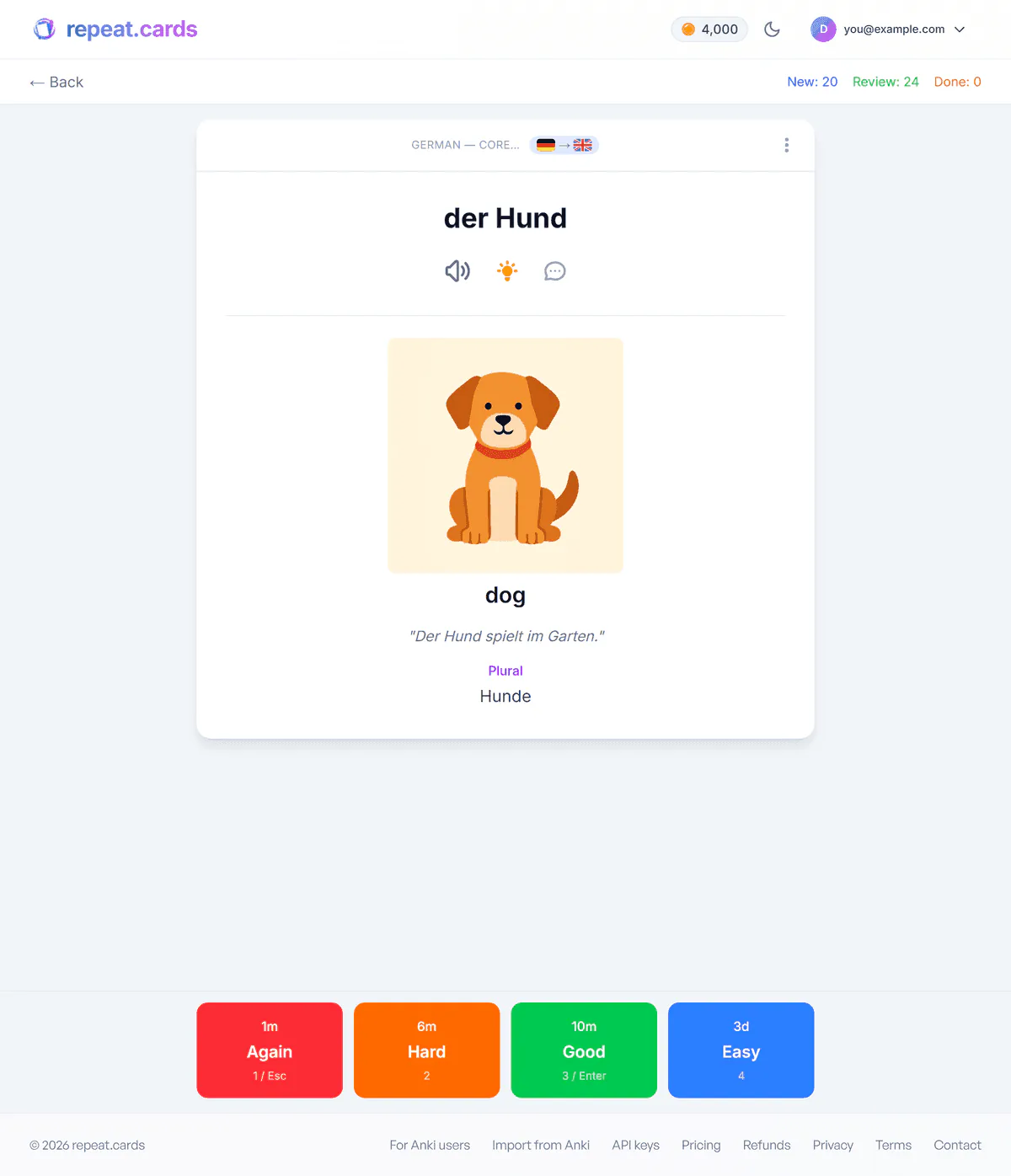
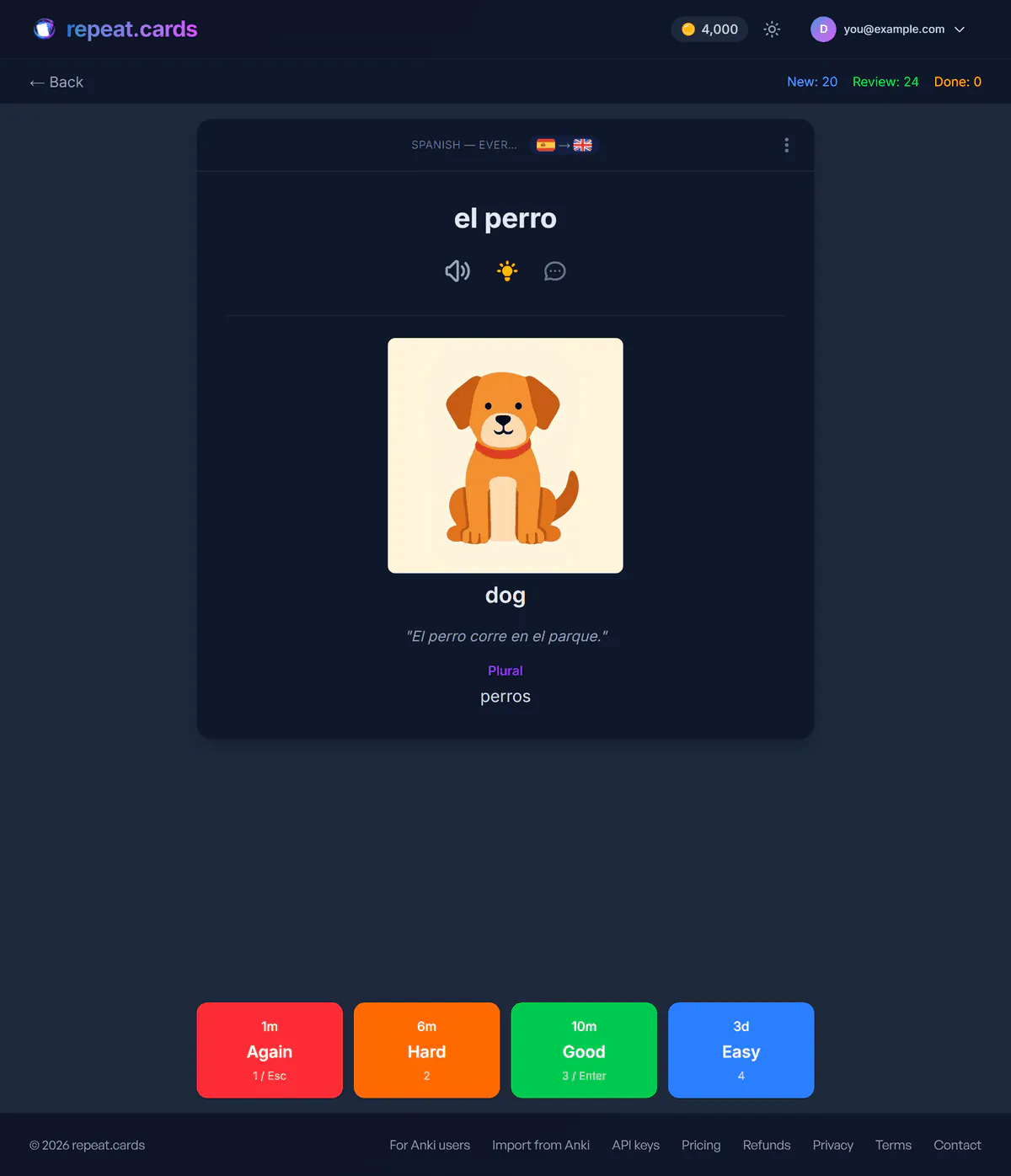
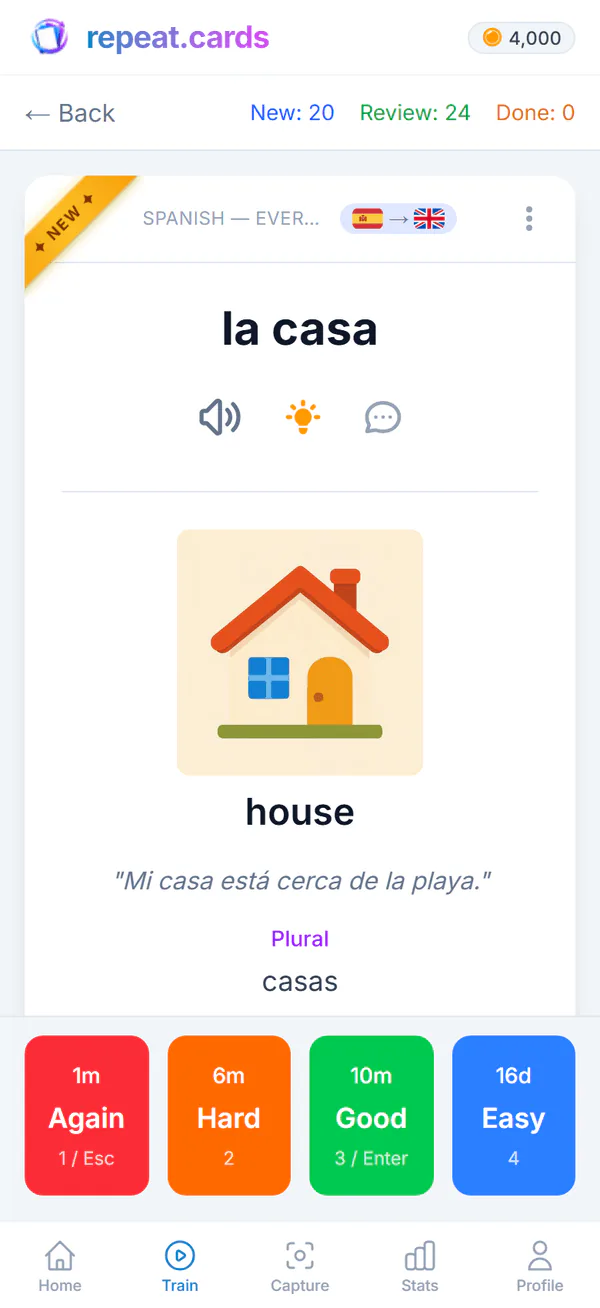
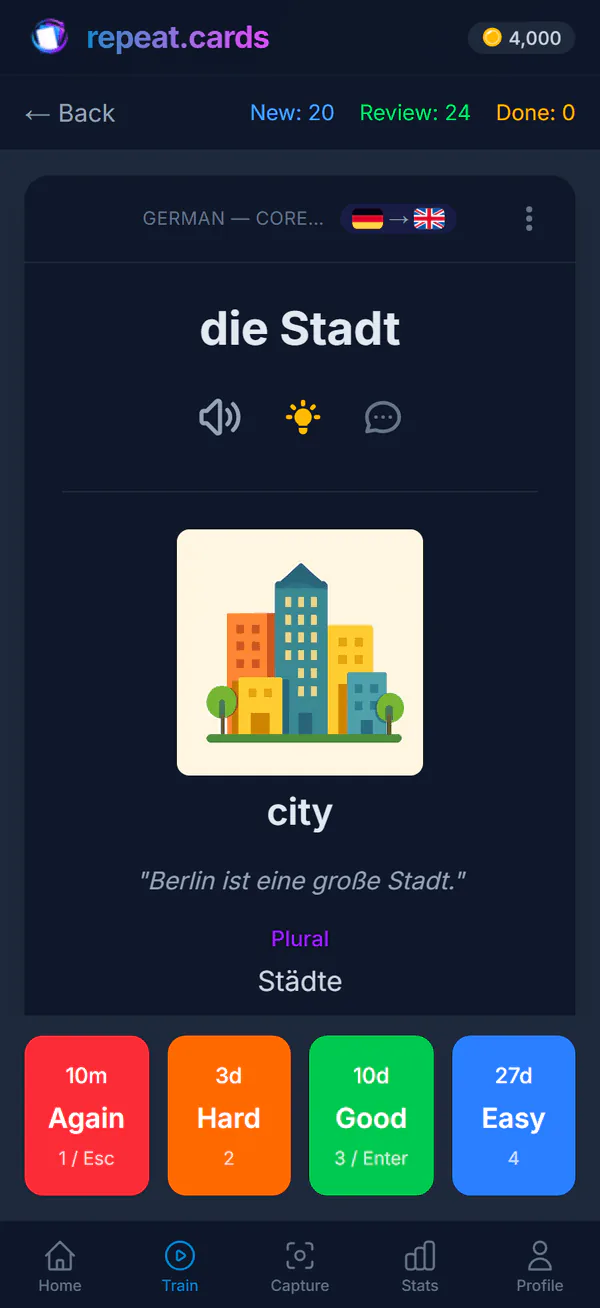
A bare word and its translation is the weakest card there is. One press adds an example sentence, another the pronunciation, another a picture of what the word means. When a word will not stick, ask for mnemonics: three come back, each built a different way, and you keep the one that works for you. Everything is editable. The AI flashcards page shows it on one word.
Reviews at the right moment, in both directions
repeat.cards schedules every card with FSRS, an open spaced-repetition algorithm that predicts when you are about to forget. It schedules the two directions of a card separately, because recognising casa and producing it from house are different skills that fade at different speeds. Each answer is typed: capitals and punctuation do not count against you, a missing accent does, and a diff shows exactly what was off.
Ways to learn vocabulary, side by side
Whose words
- A word list
- Yours
- A course app
- The course's
- repeat.cards
- Yours
When you review
- A word list
- When you remember to
- A course app
- When the course repeats them
- repeat.cards
- Just before you would forget, per direction
What is on the card
- A word list
- What you wrote
- A course app
- What the course shows
- repeat.cards
- Example, audio, picture, mnemonic, grammar
Grammar forms
- A word list
- If you write them
- A course app
- In the lessons
- repeat.cards
- Articles, plurals, conjugations on the card
Best for
- A word list
- A handful of words
- A course app
- A structured start
- repeat.cards
- Keeping the words you choose
A course and repeat.cards are not rivals. The course brings new words in order; repeat.cards keeps the ones you want to own.
For beginners, too
You do not need a big vocabulary to start. Pick the language you are learning when you sign up, and a new deck comes with the grammar fields that language needs — articles and gender, plurals, verb conjugations — preset for Spanish, German, French, Portuguese, Italian, Russian and English. Add a few words after each lesson and let the schedule do the rest.
A pace you can keep
You decide how many new words a day and how many reviews. The review forecast shows how many cards are due today, this week and this month, so you can see the effect of adding more before you do. In a free Android app, reminders come on the days and at the hours you choose. Prices for the AI are on the pricing page.
Vocabulary app FAQ
Is repeat.cards good for beginners?
How many new words should I learn a day?
Where do the words come from?
Which languages can I learn?
Is it free?
Bring the words. We'll make them stick.
Pick the language you are learning and add the first words you want to keep. Free to start, no credit card.
Get started — freeAny level · 100+ languages · FSRS in both directions
Keep reading
Best flashcard app for languages
An honest comparison of repeat.cards, Anki, Quizlet, WordPlus and Memrise for learning a language.
AI flashcards
Type a word and AI fills in the rest of the card: example, audio, mnemonic, picture, grammar.
Spaced repetition
FSRS schedules each word for the moment you would forget it, with the two directions of every card scheduled separately.
Pricing
What coins are, what packs cost, and what stays free.