
A modern Anki alternative, built for language learners.
Keep the algorithm that makes Anki work — and drop the setup. repeat.cards runs FSRS on the web, builds the back of every card with AI, and imports your Anki collection without resetting your progress.
What are people really looking for when they search “Anki alternative”?
Almost nobody dislikes Anki’s spaced repetition — that part is excellent. What sends people looking for an alternative is everything around it: the dated desktop interface, the note-type and card-template system you have to learn before your first card looks right, the add-ons you need for features other apps ship by default, and the fact that the official web version is mostly for reviewing, not building.
So the honest version of “Anki alternative” is usually: I want Anki’s algorithm without Anki’s friction. That is exactly what repeat.cards is. We kept the part that works — modern spaced repetition — and rebuilt everything around it for one job: remembering vocabulary in a new language.
Where Anki wins — and where it frustrates people
Any honest comparison starts by admitting what Anki does well. It is a deep, mature, free-on-most-platforms tool with a community that has been refining it for over a decade. If you outgrow repeat.cards, Anki is a genuinely great place to land.
| Anki | |
|---|---|
| Spaced repetition | Excellent — FSRS is built in since v23.10 (Oct 2023) |
| Add-ons & extensibility | Huge ecosystem; almost anything is possible |
| Shared decks | Massive community library (AnkiWeb) |
| Offline use | Full offline desktop app |
| Cost | Free on desktop, web, and Android; paid only on iOS |
| Setup & learning curve | Steep — note types, card templates, HTML/CSS for layout |
| Language-specific fields | Manual — you build your own note types |
| Built-in AI | None — relies on third-party add-ons |
| Web app | AnkiWeb is review-focused; editing is limited |
| Modern UI / mobile web | Functional but dated; mobile web is weak |
How does repeat.cards compare to Anki?
Here is the same set of features, side by side. The short version: repeat.cards is narrower and easier; Anki is broader and more powerful.
| Feature | repeat.cards | Anki |
|---|---|---|
| Scheduling algorithm | FSRS, on by default | FSRS (since v23.10) or legacy SM-2 |
| Bidirectional review | Front and back scheduled independently, automatically | Possible via reverse card templates you set up |
| Card creation | AI fills in audio, example sentence, mnemonic, image | Manual, or third-party add-ons |
| Language fields | Articles, plurals, conjugations — presets per language | Build your own note types |
| Setup | Pick two languages and start | Learn note types & templates first |
| Platform | Any modern browser, plus a free Android app | Desktop, Android, iOS (paid), web (review) |
| Import | Anki .colpkg, with review history | Native |
| Price (core) | Free today | Free except iOS |
FSRS, bidirectional and on by default
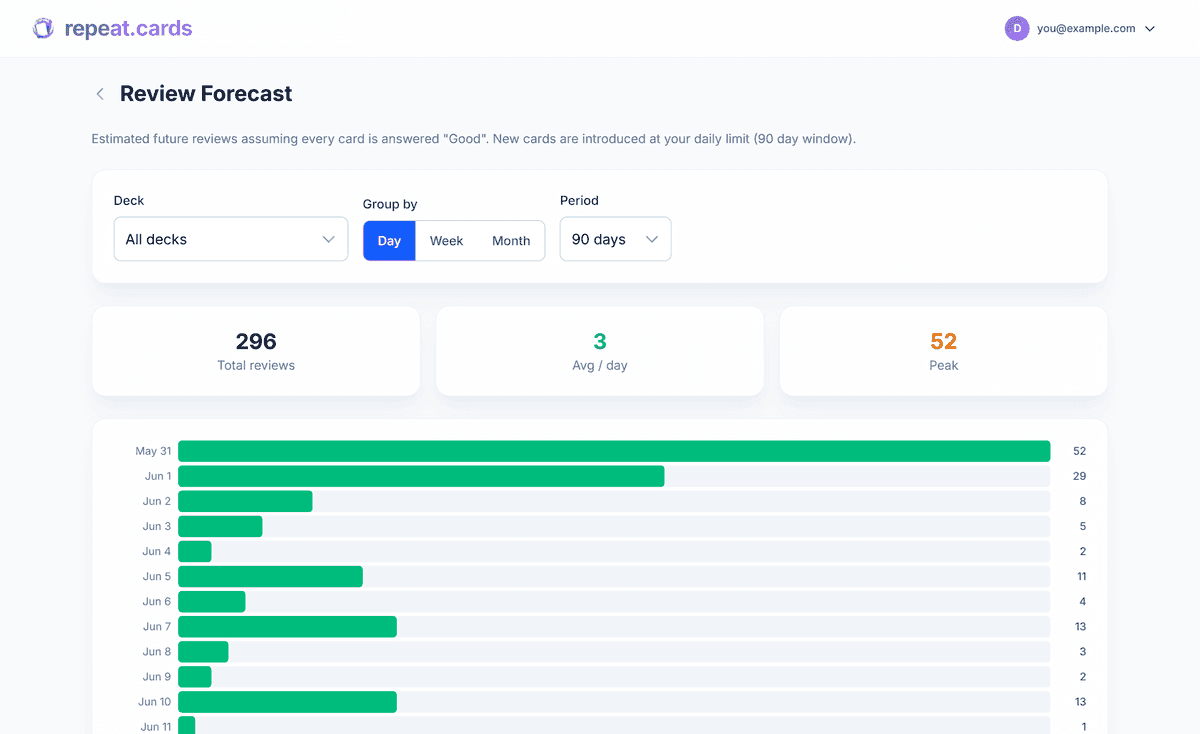
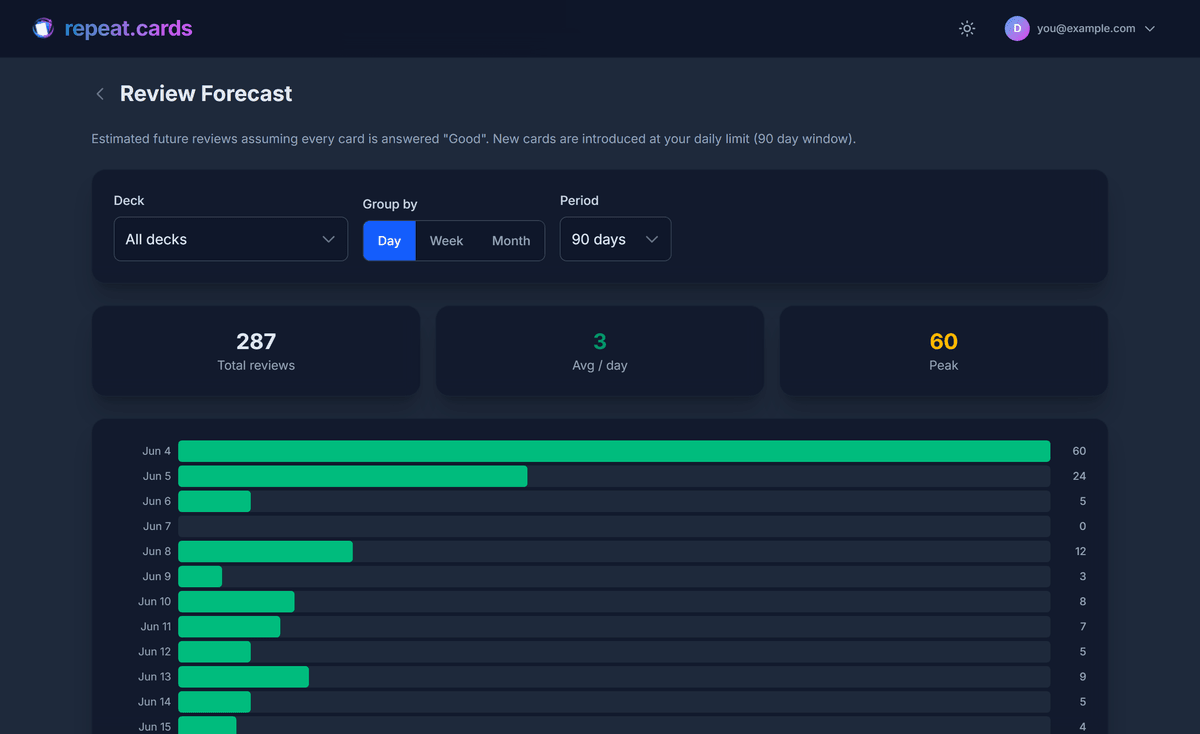
Both apps now use FSRS (the Free Spaced Repetition Scheduler), an open-source algorithm that predicts the moment you are about to forget a card and schedules the review for exactly that point. In the published FSRS benchmark across hundreds of millions of reviews, FSRS reaches the same retention as the older SM-2 algorithm with roughly 20% fewer reviews.
The difference is the defaults. In Anki, FSRS was added as an option in version 23.10 and you turn it on per preset. In repeat.cards it is simply how scheduling works — there is nothing to enable. We also schedule the two directions of a card (word→translation and translation→word) independently, because recognizing a word and producing it are different skills that fade at different rates. In Anki you can approximate this with reverse-card templates; here it is automatic.
AI builds the back of the card; Anki needs add-ons
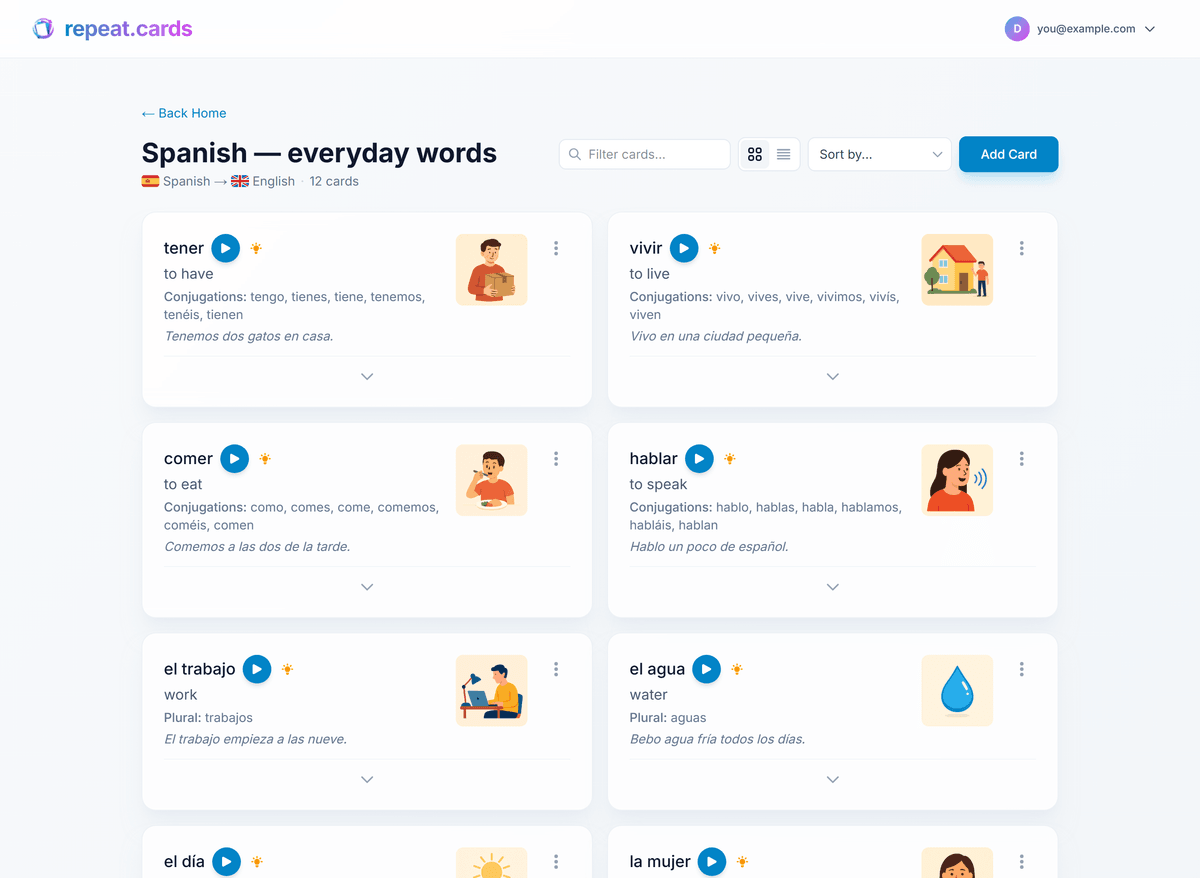
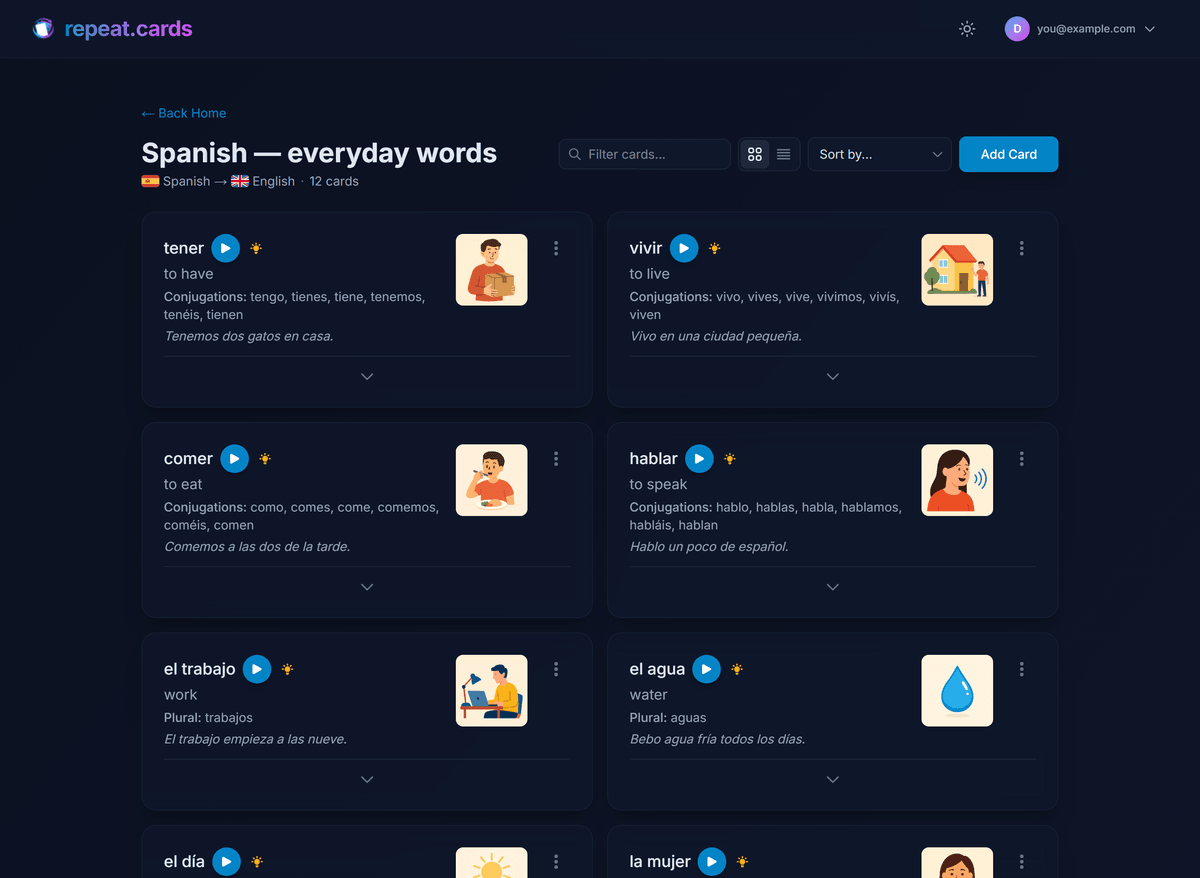
The slowest part of flashcards has always been making good ones. A useful vocabulary card is not just a word and its translation — it wants an example sentence, native-sounding audio, a memory hook, and sometimes an image. In Anki you assemble those by hand or wire up add-ons and external services.
In repeat.cards, you type the word and the AI generates the rest: audio, an example sentence in context, a mnemonic, and an image — each one click, each editable. AI is a first-class feature, not a plugin. Today it runs through your own OpenAI or Google AI key (you pay the model provider directly); a paid plan that includes AI without any key setup is in the works.
Can I import my Anki collection?
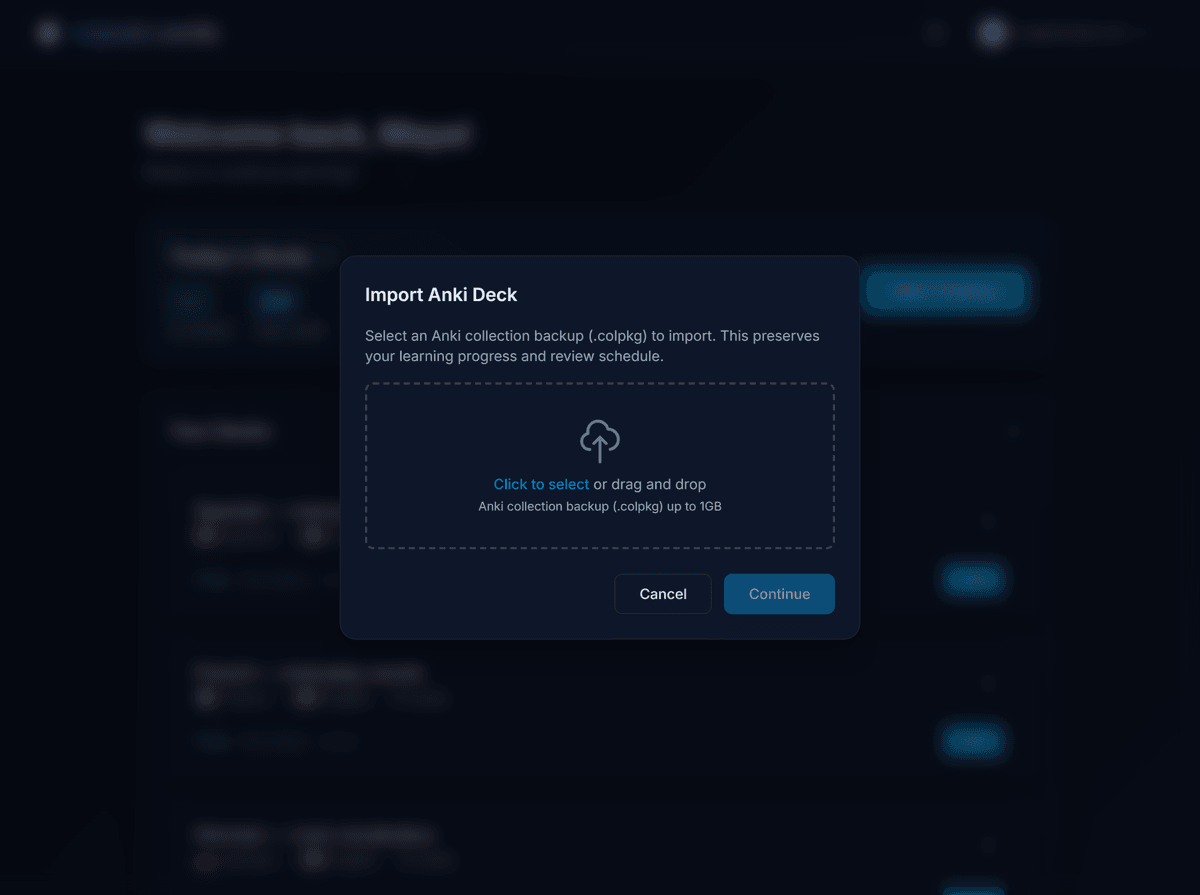
Yes — and this is the part most migration tools get wrong. repeat.cards imports the Anki collection backup (a .colpkg file), not the single-deck .apkg export. The reason is deliberate: a .apkg file does not contain your learning progress, but a .colpkg collection backup does. You export it from Anki with File → Export → Anki Collection Package, then upload it in repeat.cards, map which fields are the word and the translation, and import. Audio and images come along. The step-by-step import guide walks through every screen.
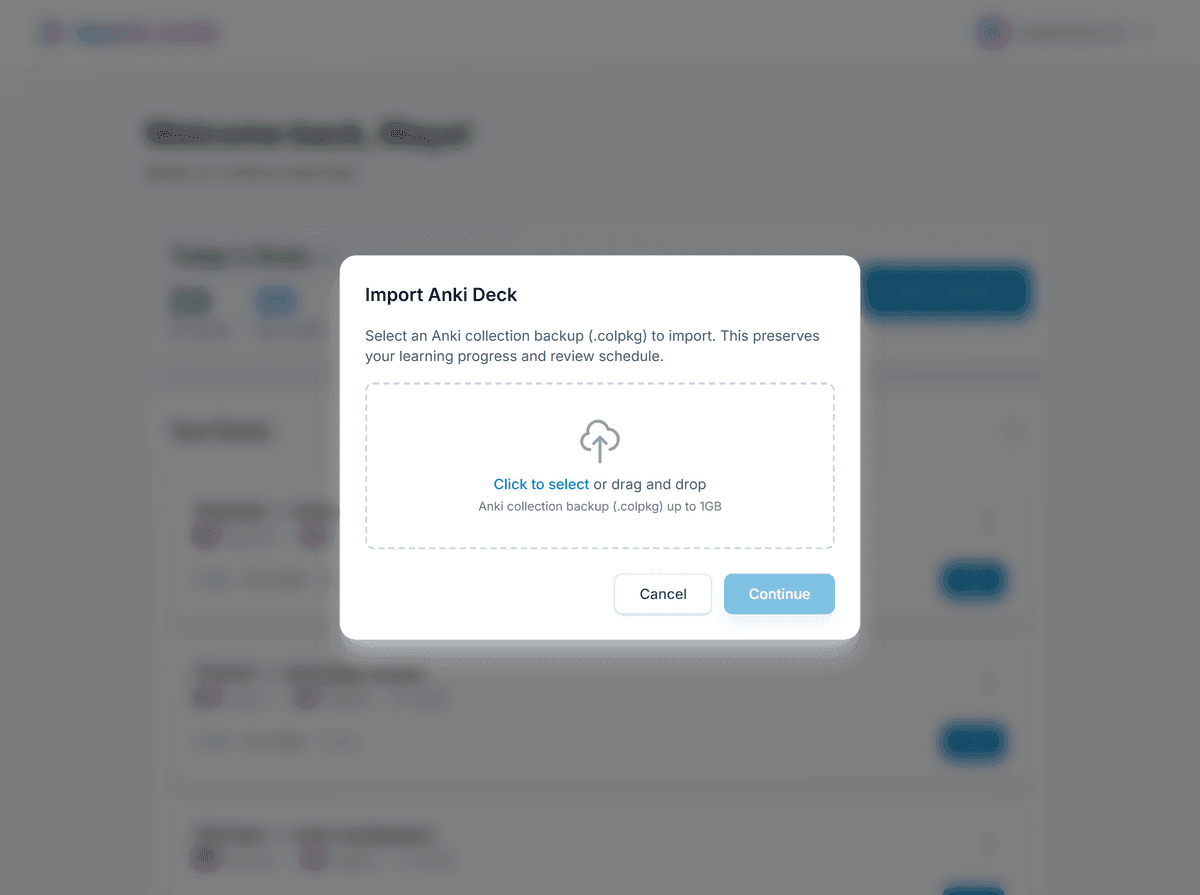
Will I lose my Anki review history?
No. When you import a .colpkg, repeat.cards reads each card’s Anki scheduling — its interval, last review, and state — and converts it into the equivalent FSRS state, separately for the front and back of every card. Cards you have studied for months are not reset to “new.” Only cards that were genuinely new in Anki start fresh. In practice you pick up roughly where you left off, and FSRS fine-tunes from your next few sessions.
Anki alternative FAQ
Is there a modern alternative to Anki that uses FSRS?
Can I move my Anki cards to repeat.cards?
Is repeat.cards free like Anki?
What does Anki still do better than repeat.cards?
Do I have to learn card templates and note types like in Anki?
Is repeat.cards open source like Anki?
Bring your Anki decks. Keep your progress.
Import your collection in about a minute, or start a fresh deck. Free today, no credit card.
Get started — freeFSRS by default · 100+ languages · Imports your review history
Keep reading
How to import an Anki deck online
A step-by-step guide to moving your .colpkg collection into repeat.cards — with what transfers and what doesn't.
Create your free account
Pick the language you're learning and build your first deck in minutes.
How repeat.cards works
FSRS timing plus AI-built cards, for language learners at any level.