
Review forecast · Daily limits · Per deck
Know tomorrow’s reviews before tomorrow.
The forecast shows how many reviews your spaced repetition schedule is heading for, day by day, and what your daily limits do to it — so a big week is something you see coming, not something that happens to you.
Start a deck and watch it fill in
What does the forecast show?
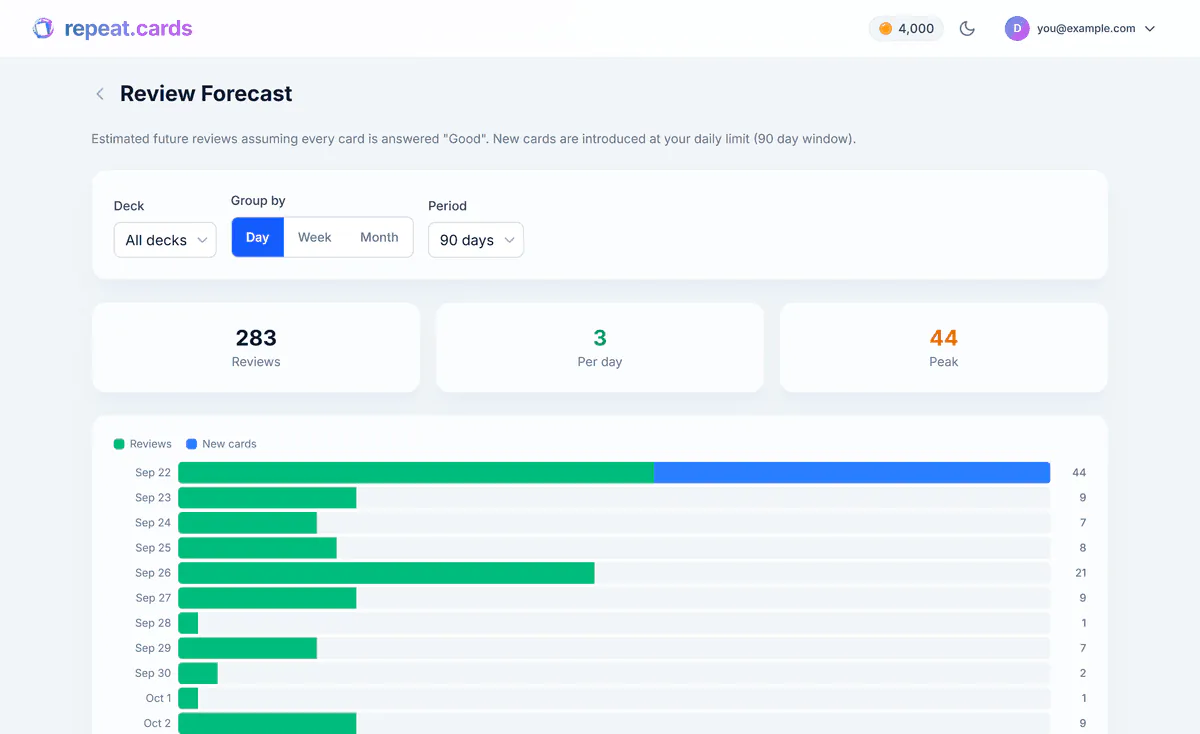
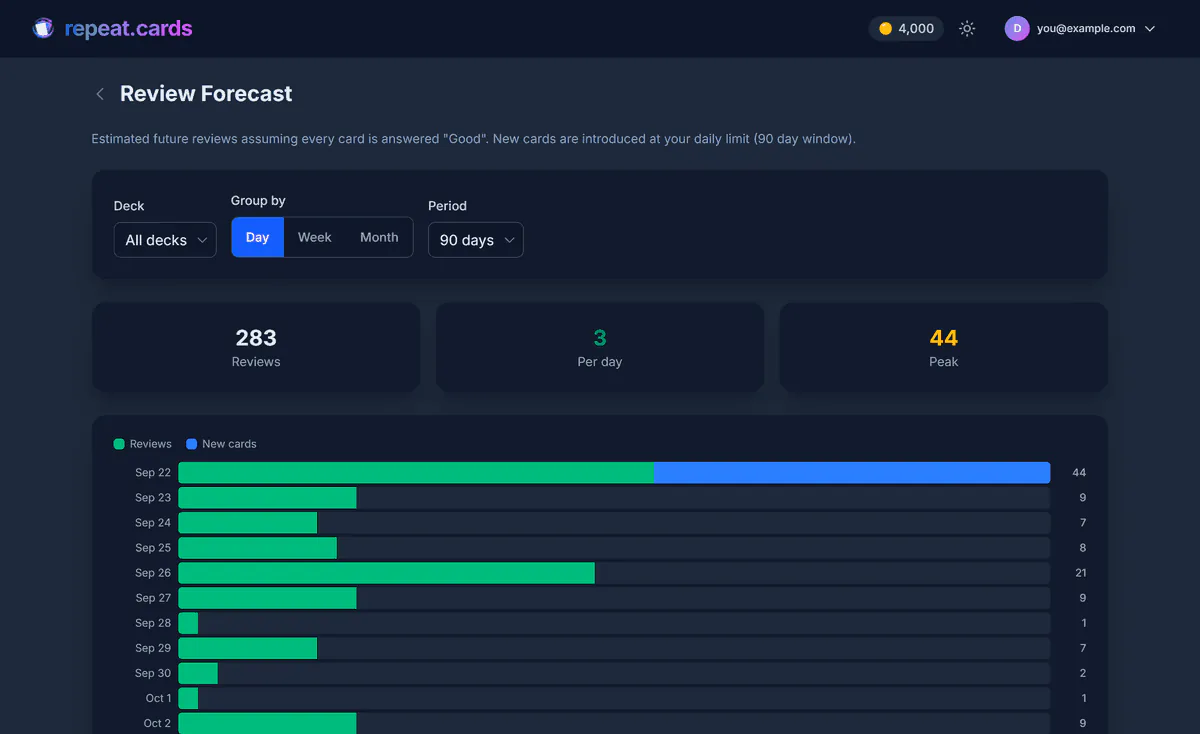
A bar for every day, week or month ahead, split into reviews of cards you already know and new cards being introduced. Above the chart are three numbers: how many reviews the whole period holds, the average per day (or week, or month), and the peak — the heaviest single bucket, which is the one worth planning around.
The controls
Deck
- Choices
- All decks, or any one deck
- What it is for
- Seeing which deck is behind a busy week
Group by
- Choices
- Day, week or month
- What it is for
- Tomorrow's load, or the shape of the next quarter
Period
- Choices
- 30, 60 or 90 days, or 6 months
- What it is for
- How far ahead to look
Numbers
- Choices
- Reviews, per day/week/month, peak
- What it is for
- The total, the usual load and the worst day
How it counts
The forecast is not a list of due dates added up. It replays your schedule the way training would actually run it, one day at a time:
- Each day, the cards due that day are trained, up to your daily review limit. Anything beyond the limit is carried to the next day, just as it would be in real sessions.
- New cards join from the queue at your daily new-card limit.
- Every card trained is answered Good, and FSRS works out when it comes back — separately for the front and the back of each card.
That last assumption is the honest limit of any forecast: it cannot know which words you will miss. A missed word comes back sooner than a Good one, so a difficult week pushes the real numbers above the chart, never below it for that reason.
Using it to set your limits
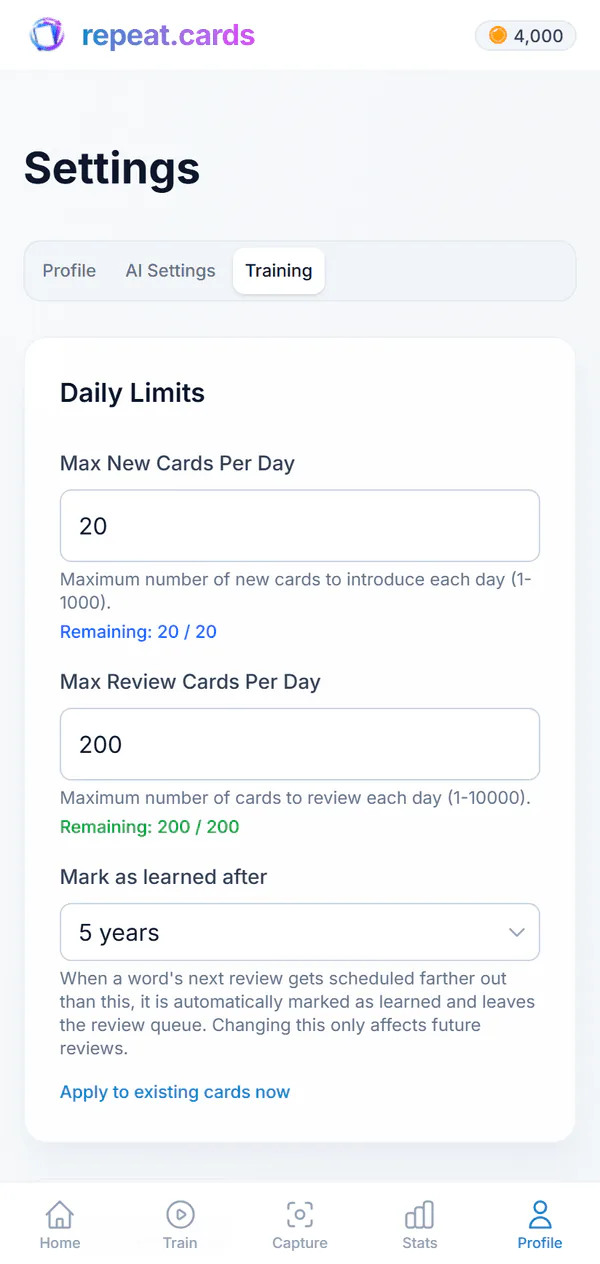
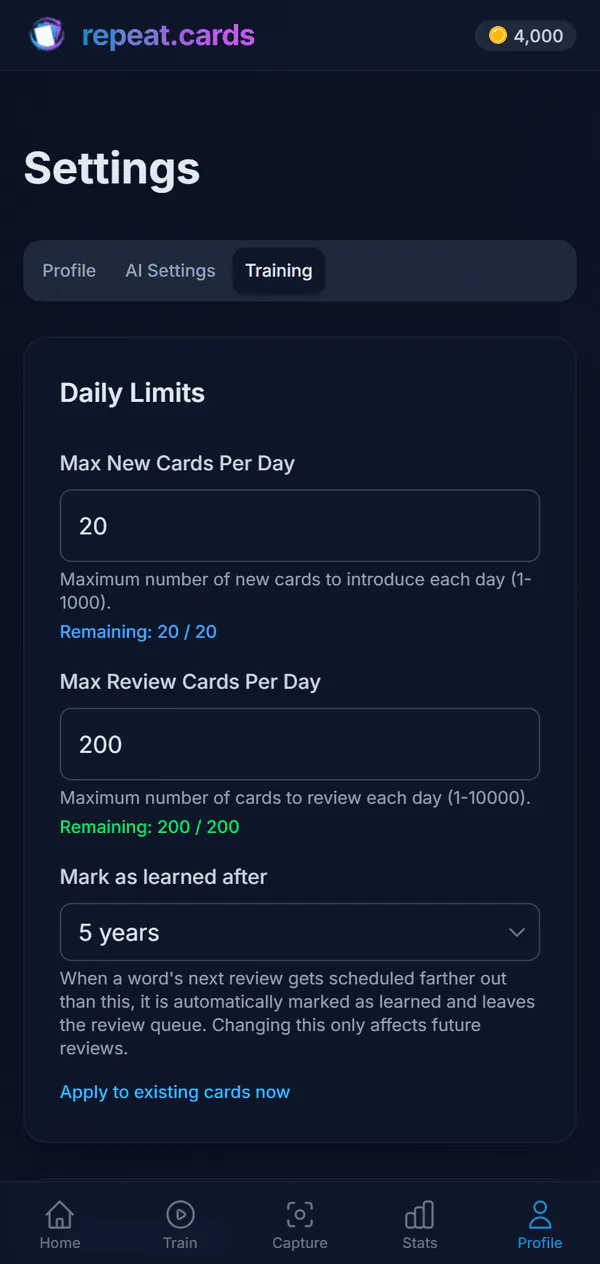
Your limits live in your training settings: new cards per day (20 unless you change it) and reviews per day (200 unless you change it). The forecast is where you see what those numbers mean. Raise the new-card limit and the review bars a few weeks out grow with it; lower the review limit and a backlog is spread thinner across more days. If you study past midnight, set the hour your learning day ends so a late session counts for the right day.
On a day with time to spare, you can train past the limit: once you reach today’s limit, add extra new cards or reviews for today only. The schedule behind all of this is FSRS spaced repetition, with each direction of a card scheduled on its own.
Review forecast FAQ
How does repeat.cards know how many reviews I will have?
Why does it assume every answer is Good?
Can I see the forecast for one deck?
What changes the forecast?
Is there a way to train more than the daily limit?
Is the forecast free?
See the week coming.
Add some words, train a few days, and your forecast shows where the schedule is heading. Free, no credit card.
Get started — freeDay, week or month · Per deck · Your daily limits
Keep reading
Spaced repetition
FSRS schedules each word for the moment you would forget it, with the two directions of every card scheduled separately.
Android app
The free Android app: same decks and schedule as the web, plus reminders and the capture bubble.
Vocabulary app
Add the words you meet at any level; AI fills in each card and spaced repetition keeps them.
Pricing
What coins are, what packs cost, and what stays free.