
Videos · Android and the web
Watch with subtitles. Keep the words you hear.
Open a video link or a video file in the app’s player. Pause on a line of subtitles, tap a word or a phrase to see its translation, and save it to your inbox to train it later.
How does learning from videos work?
The player does not bring videos of its own. It plays what you open, and turns the subtitles into something you can tap.
- Open a video. On Android, open a stream link from another app with “Open with” and choose repeat.cards, or add the link on the Videos tab. A video file from your phone or computer opens too.
- Pause on a subtitle and tap. Tap a word, or several words in a row for a phrase, and the translation opens under the video. One button translates the whole line.
- Save it and train it. The word goes to your inbox with its translation, then becomes a flashcard that spaced repetition brings back before you forget it.
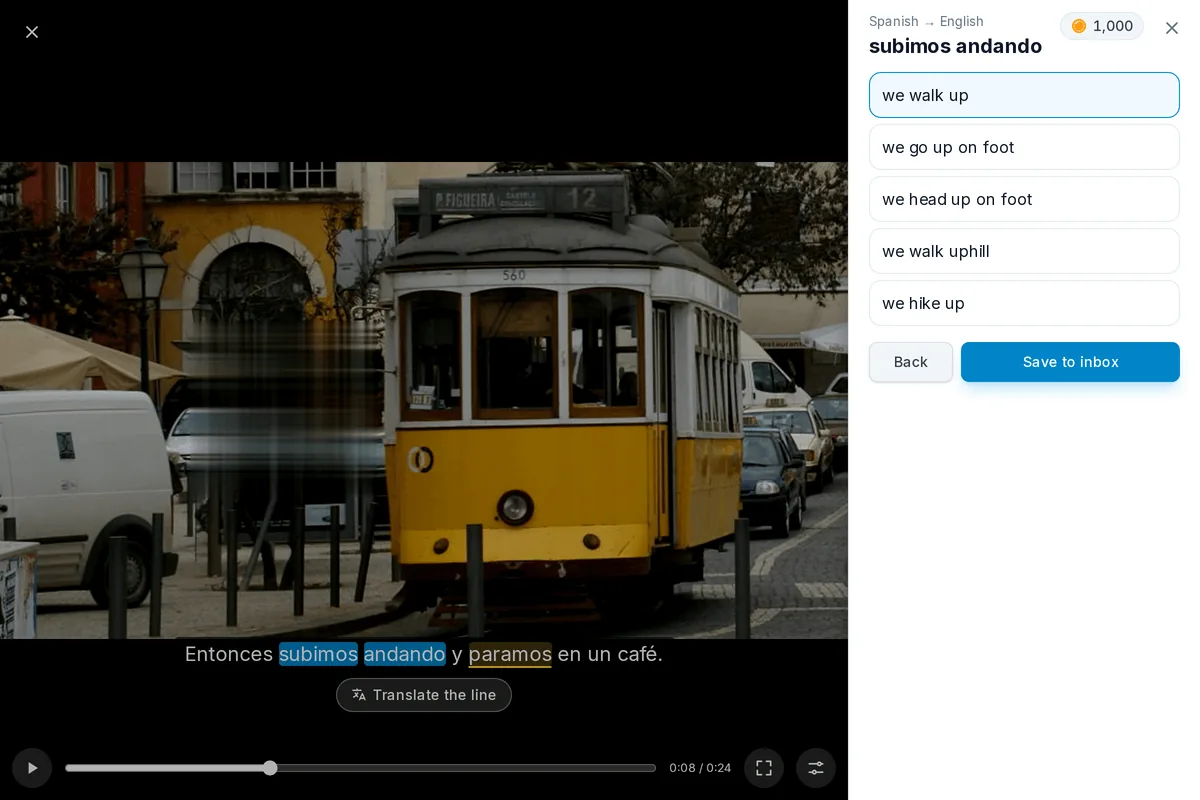
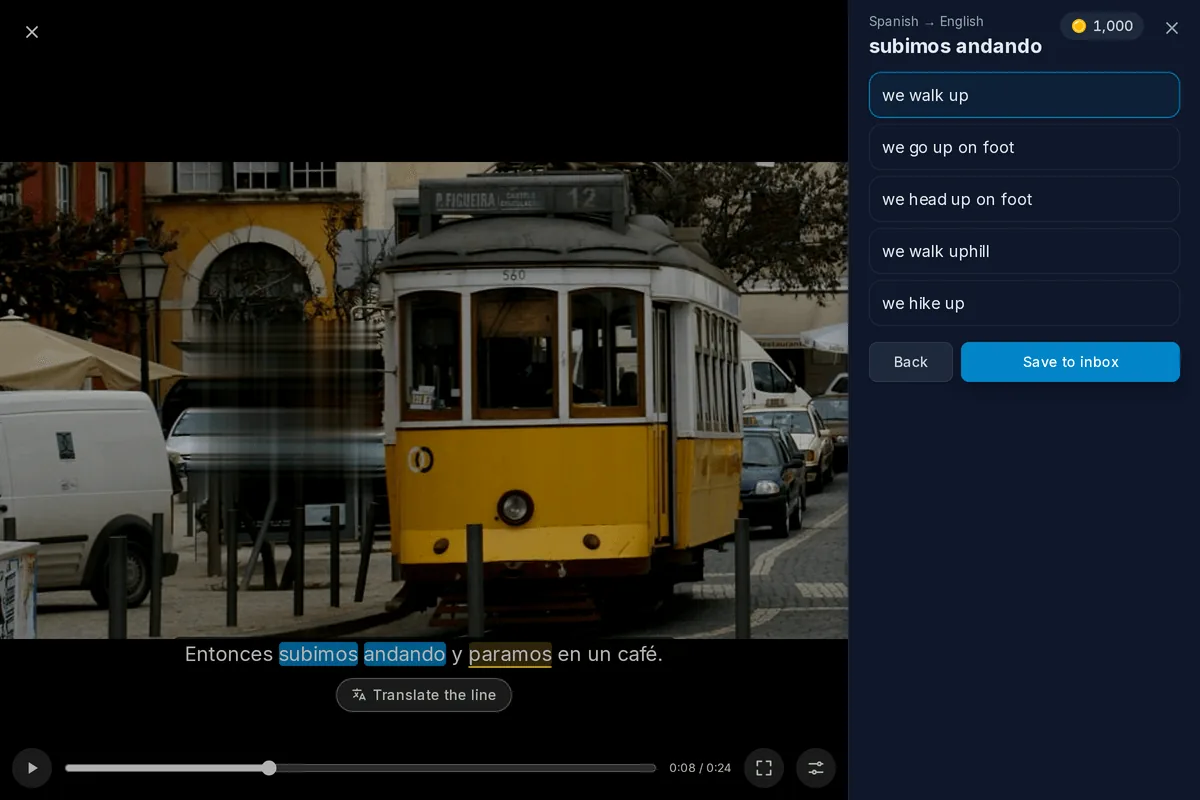
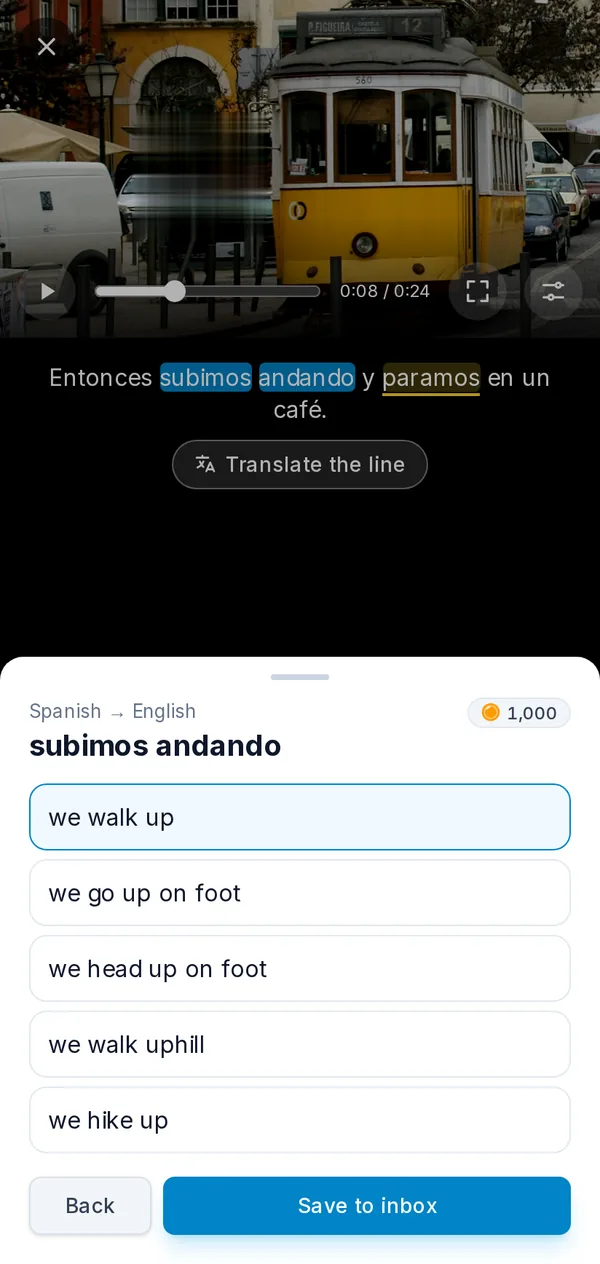
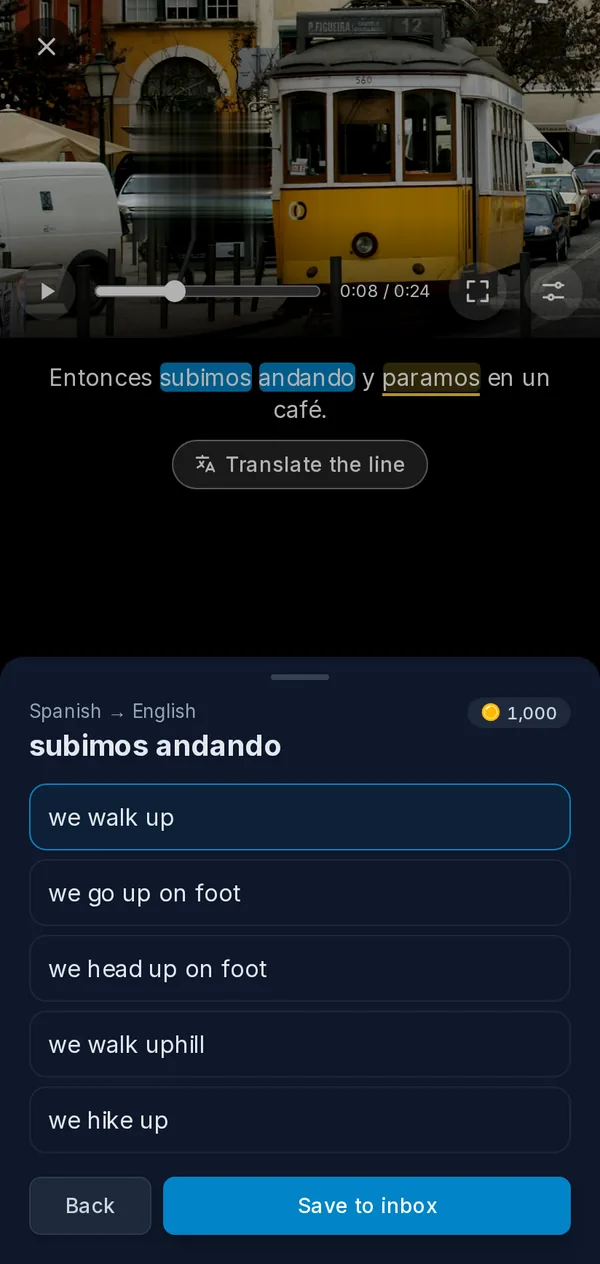
One phrase, from a subtitle to a card
Here is the whole trip for a phrase heard in a video.
Open a video link or file
- What happens
- The player starts, with the subtitles under the picture
Pause on a line
- What happens
- The line stays on screen, its unknown words underlined
Tap two words in a row
- What happens
- They build up into a phrase
Translate
- What happens
- Several translations of the phrase come back
Save one
- What happens
- The phrase waits in the inbox with that translation
Open the inbox later
- What happens
- Turn it into a card in your deck
What the player does for you
- Subtitles from the stream or your own file. Use the subtitles a stream carries, or load an .srt or .vtt file. Its encoding is detected for you, so an old file in a local encoding reads correctly.
- A shift to sync them. If a subtitle file runs early or late, move it in small steps until the lines match the speech.
- The whole line at once. Translate the full subtitle when a single word is not enough, and step back to the previous line or on to the next one.
- Unknown words underlined. Words that are not on your known-words list are underlined, so you can see what is new in a line at a glance.
- On Android and in the browser. The player is in the Android app and on the website. On a computer, the keyboard works too: Space to pause, the arrow keys to move between lines.
What it plays
repeat.cards has no catalogue and suggests no channels or services. It plays streams (HLS links, .m3u8), M3U lists of streams and common video files, and keeps a history of what you opened on your device so you can return to where you stopped. Use it with videos you are allowed to watch.
Learning from videos FAQ
What can I open in the player?
A stream plays on my phone but not in the browser. Why?
My subtitle file shows strange characters. What can I do?
Are my links and video files uploaded anywhere?
Does it cost anything?
Let your next video teach you words.
Create an account, open a video with subtitles, and keep the words you hear. Free to start, no credit card.
Get started — freeYour links and files · Tappable subtitles · Android and the web
Keep reading
Read books
Upload an EPUB or FB2 book, see new words marked, and tap one to translate it and save it.
Capture words
Catch words from the screen with the Android bubble, from a photo or from pasted text, and keep them in an inbox.
Android app
The free Android app: same decks and schedule as the web, plus reminders and the capture bubble.
Pricing
What coins are, what packs cost, and what stays free.