
AI flashcards · For language learners · Free to start
Type a word. AI builds the rest of the card.
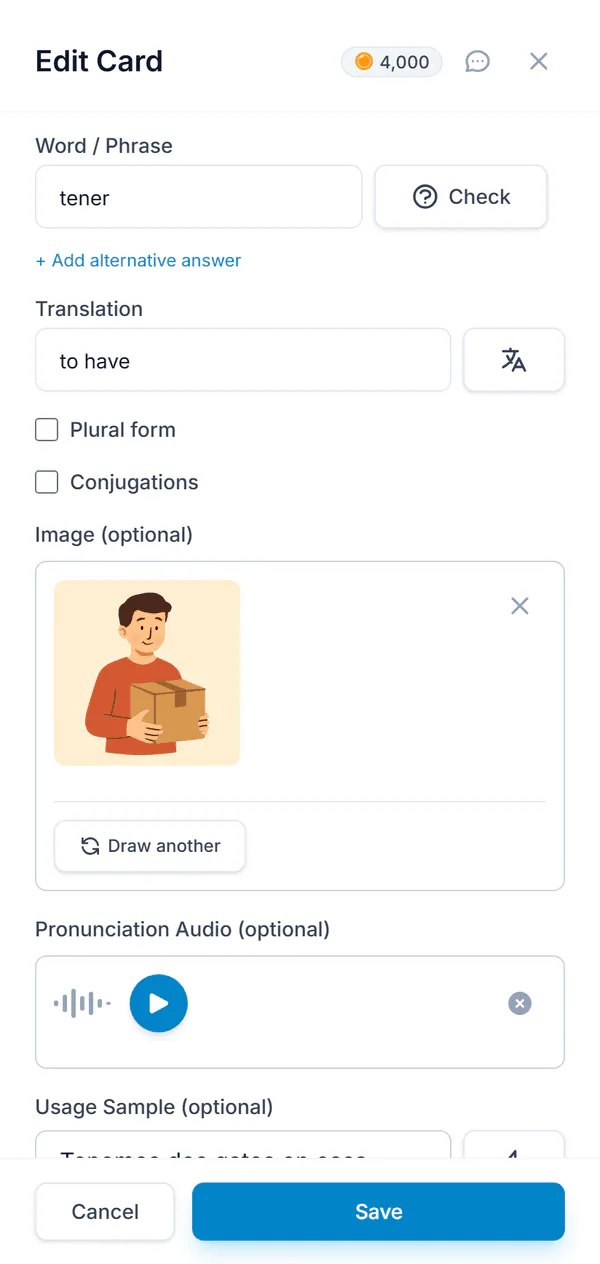
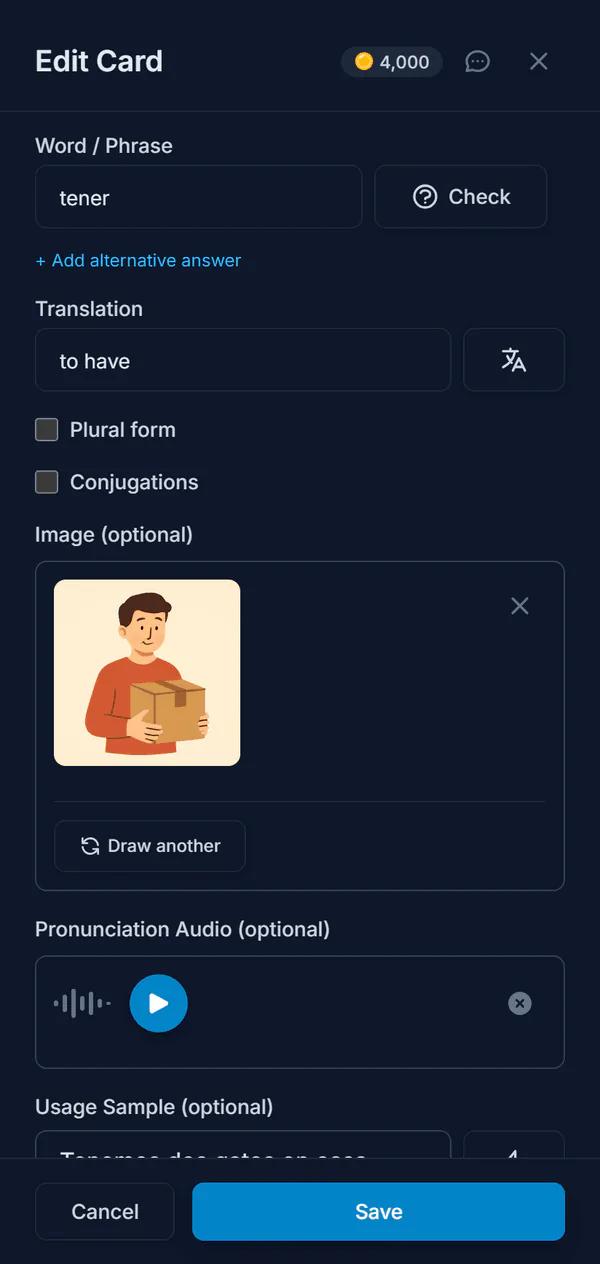
The example sentence, the pronunciation, a memory hook, a picture, the plural and the verb forms — written for the word you typed, in the language you are learning. Then spaced repetition decides when you see it again.
Try it on a word you are learning
What does AI put on a card?
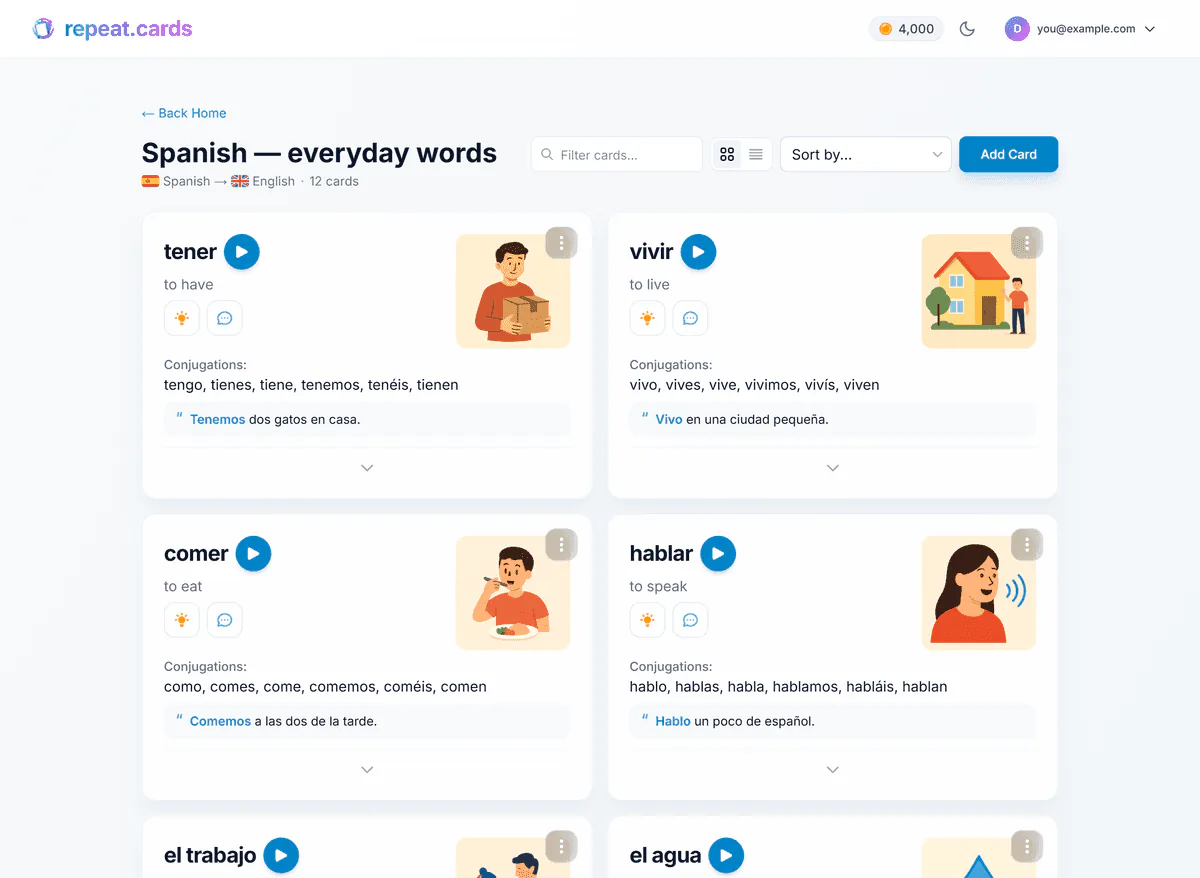
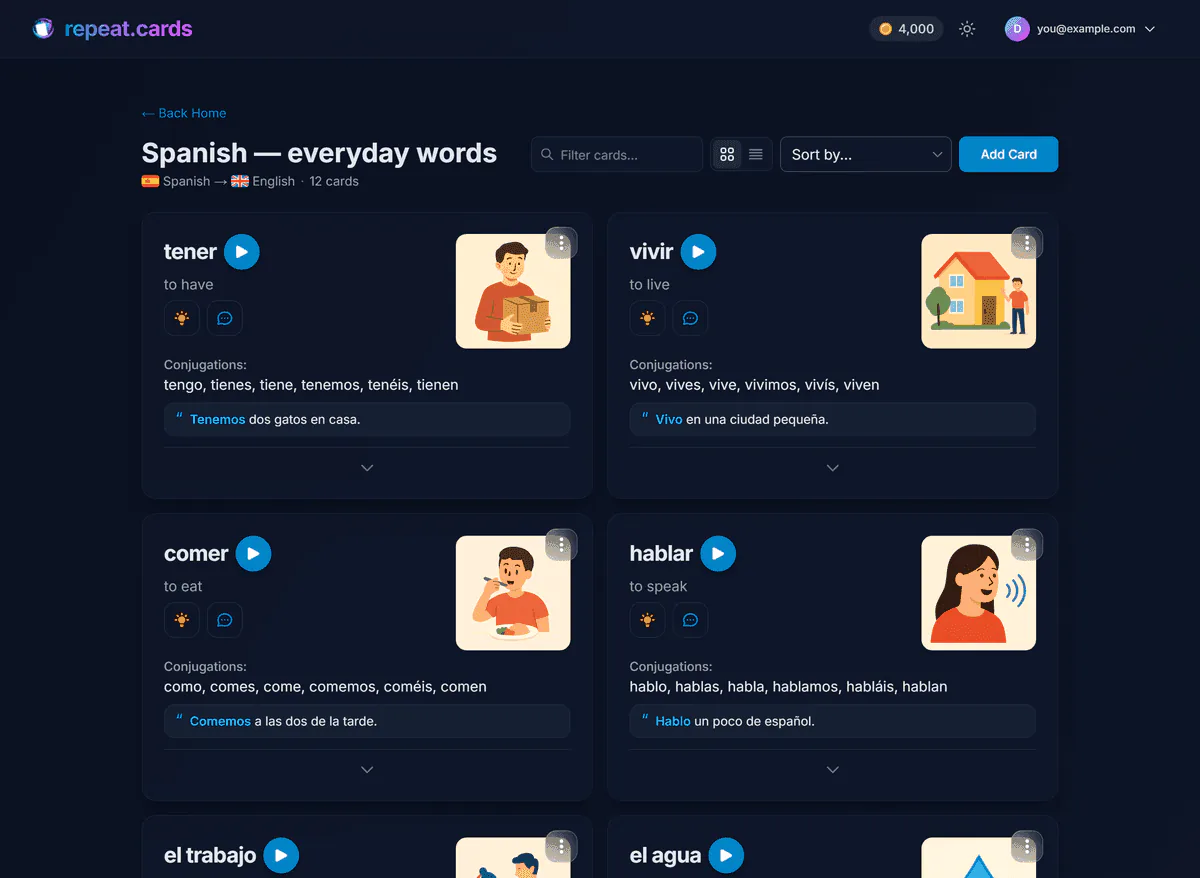
A good vocabulary card is more than a word and its translation. It needs the word in a sentence, the way it sounds, something to hang it on, and the grammar that travels with it. That is the part people skip when they make cards by hand — and the part AI does in seconds.
- Translation. Several translations to pick from, one press away, so you choose instead of looking it up.
- A word check. Spelling, spacing and capitalisation are tidied, the article is added to a noun when your deck uses articles, and a word unusual for your variant — a Brazilian word in a European Portuguese deck — is pointed out.
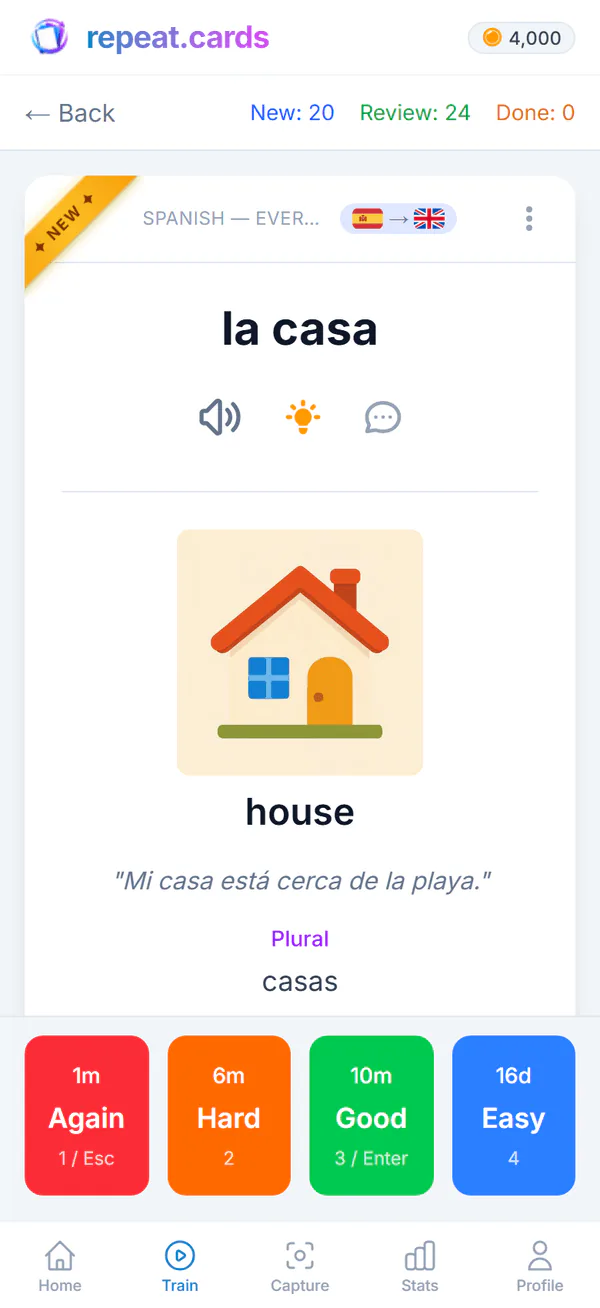
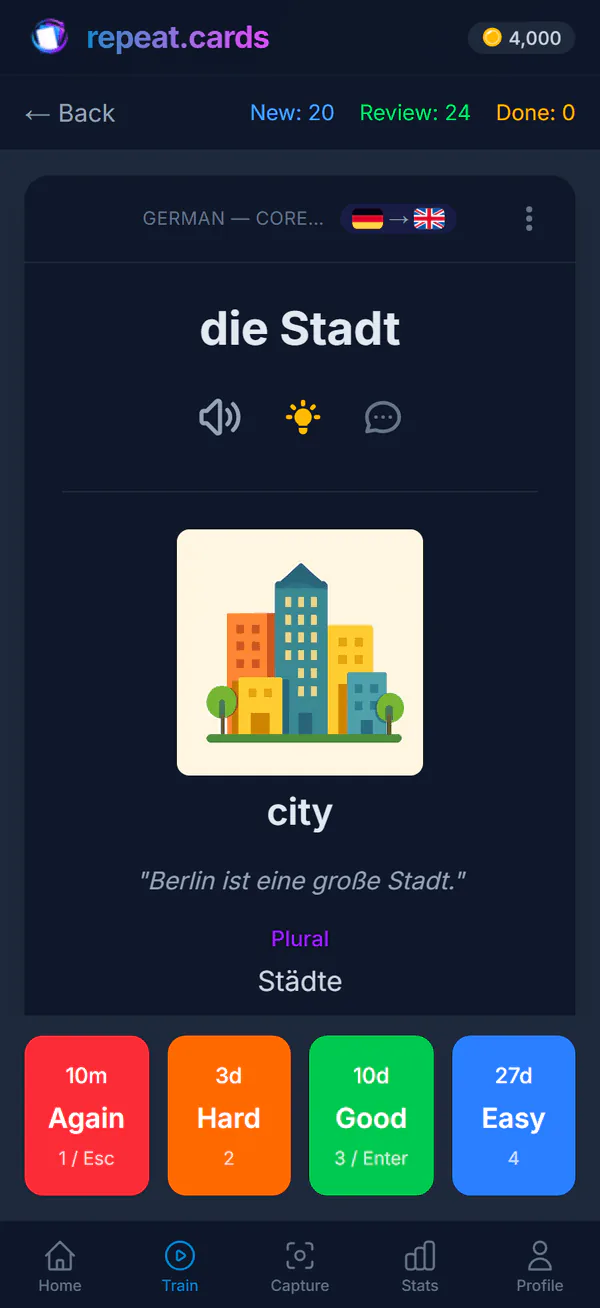
- An example sentence. One natural sentence using the word, with the word marked in the form the sentence uses — went for go, not only exact matches.
- Audio. The pronunciation, spoken in the accent of the variant you are learning.
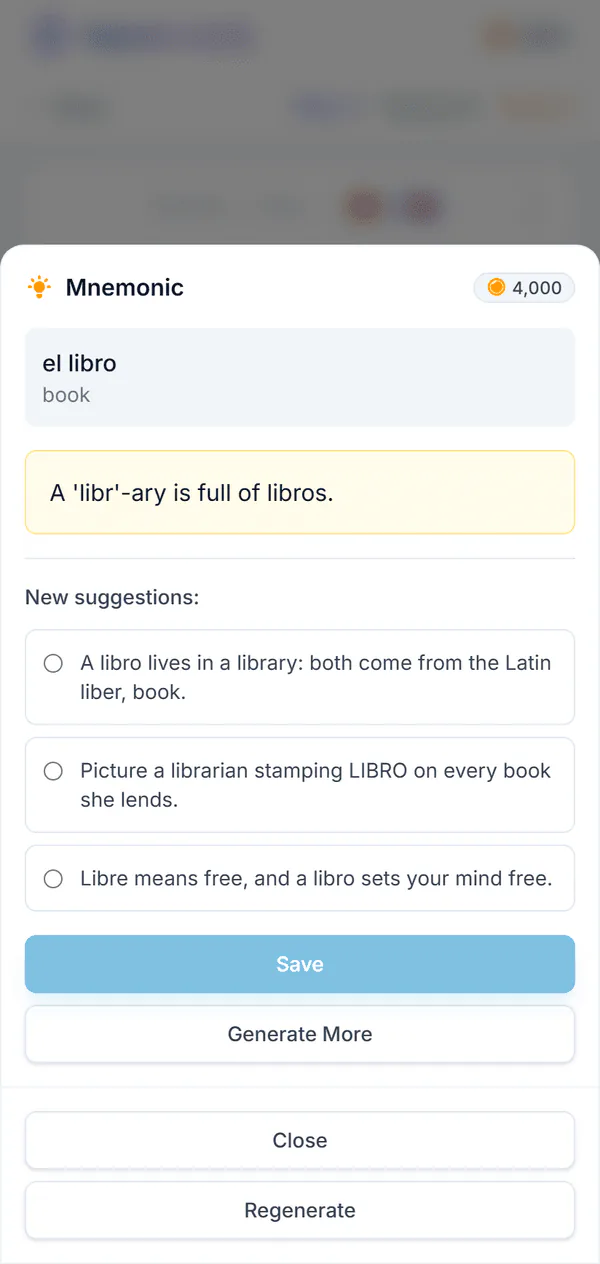
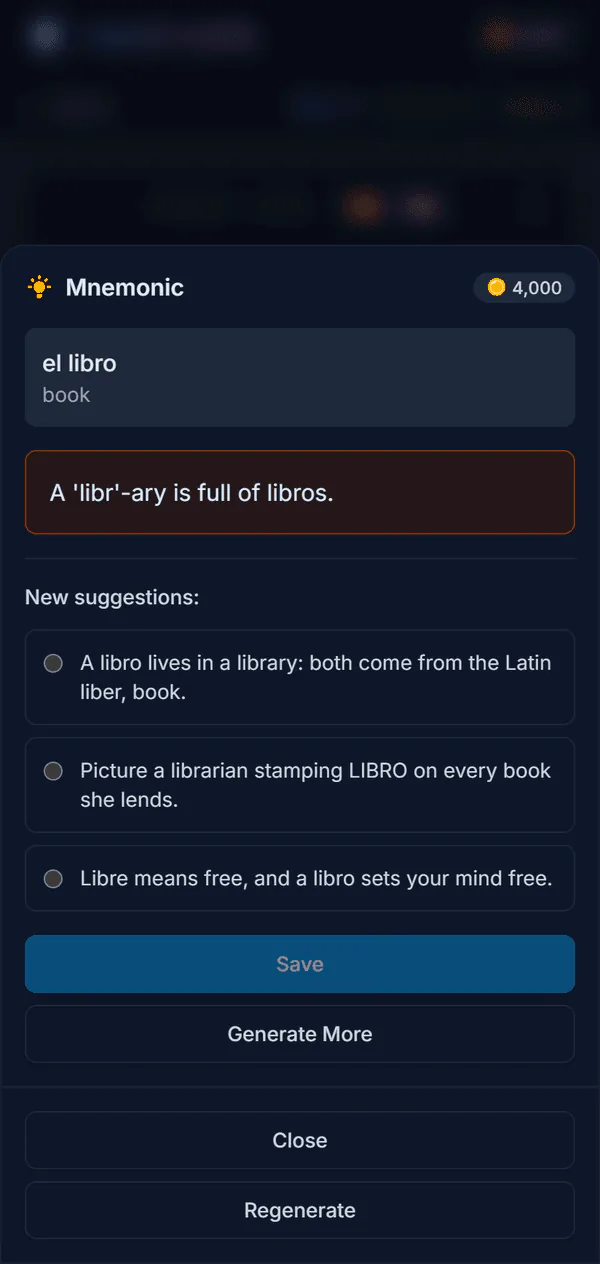
- A mnemonic. Several memory hooks to choose from; keep the one that works for you.
- A picture. Drawn for what the word means, not for how it is spelled.
- Grammar. The plural, and the verb forms your deck asks for — present, past, whichever tenses you switched on.
One word, start to finish
Here is what building one card looks like. The deck is Spanish, learned from English, with verb conjugations switched on. The word is madrugar.
Type madrugar, press Translate
- AI comes back with
- Translations to pick from, such as to get up early
Press Example
- AI comes back with
- Los lunes tengo que madrugar para llegar a tiempo.
Press Audio
- AI comes back with
- madrugar, spoken in a Spanish voice
Press Mnemonic
- AI comes back with
- A few hooks to choose from, such as a mad rooster that gets you up at dawn
Press Picture
- AI comes back with
- A drawing of someone getting out of bed before sunrise
Conjugations
- AI comes back with
- yo madrugo, tú madrugas, él madruga… for the tenses the deck uses
Save
- AI comes back with
- One card, trained in both directions from the next session
The sentences above are examples of the kind of thing that comes back, not a fixed output: ask again and you get a different sentence or a different hook. Nothing lands on the card until you save it, and anything you do not like you can rewrite yourself.
AI while you train, too
Answers in repeat.cards are typed, and a typed answer can be right without matching the card letter for letter. When yours does not match, you can ask AI whether it is still a correct answer — a synonym, another valid form — and it tells you why, instead of simply marking it wrong.
And when a word will not stick, open a chat about the card. Ask what a dictionary does not say: why en casa and not en la casa, when to use it, how it differs from the word next to it. The conversation is kept with the card.
An AI flashcard generator, or a flashcard app with AI?
Most tools called “AI flashcard generators” take a document — notes, a PDF, a chapter — and turn it into question-and-answer pairs. That is a different job from learning vocabulary, and each kind of tool is better at its own.
You give it
- Typical AI flashcard generator
- A document or notes
- repeat.cards
- The words you are learning
It makes
- Typical AI flashcard generator
- Question-and-answer pairs
- repeat.cards
- A language card: example, audio, mnemonic, picture
Grammar
- Typical AI flashcard generator
- Not part of the card
- repeat.cards
- Articles, plurals, conjugations per language
Pronunciation
- Typical AI flashcard generator
- Rarely
- repeat.cards
- Audio in the accent of your variant
Reviewing
- Typical AI flashcard generator
- Often an export to another app
- repeat.cards
- Built in: FSRS, both directions scheduled separately
Best for
- Typical AI flashcard generator
- Turning a chapter into cards at once
- repeat.cards
- Building a vocabulary that lasts
What does the AI cost?
AI actions run on coins. Every account starts with some for free, so there is nothing to set up before the first card. When they run out you can buy more in one-off packs — there is no subscription — or switch to your own OpenAI or Google key and pay the provider directly; the API key guide shows how. Audio and pictures another learner already generated for the same word are reused, and those cost nothing. Prices are on the pricing page.
The rest of repeat.cards — decks, cards, spaced repetition, statistics — is free, on the web and in a free Android app.
AI flashcards FAQ
What is an AI flashcard?
Is the AI free?
Do I need an OpenAI or Google API key?
Which languages does it work for?
Can I change what the AI writes?
Can it make flashcards from a PDF or my notes?
Bring the words. AI makes the cards.
Pick the language you are learning and type your first word. Free to start, no credit card, no API key.
Get started — free100+ languages · FSRS spaced repetition · Every field editable
Keep reading
Ask about a word
Three memory hooks to choose from, and a chat on every card about grammar, usage and look-alikes.
Grammar flashcards
Articles, plurals and verb conjugations on every card, preset for seven languages and checked in training.
Typed answers
Type the word instead of picking it; a letter-by-letter diff shows exactly what was off.
Pricing
What coins are, what packs cost, and what stays free.