
iPhone and iPad · Same account as the web
Your vocabulary, on your iPhone.
Review in the two minutes you have, wherever you have them. Your decks and your schedule are the same on the iPhone, on the website and on Android, because they are one account.
One account, every screen
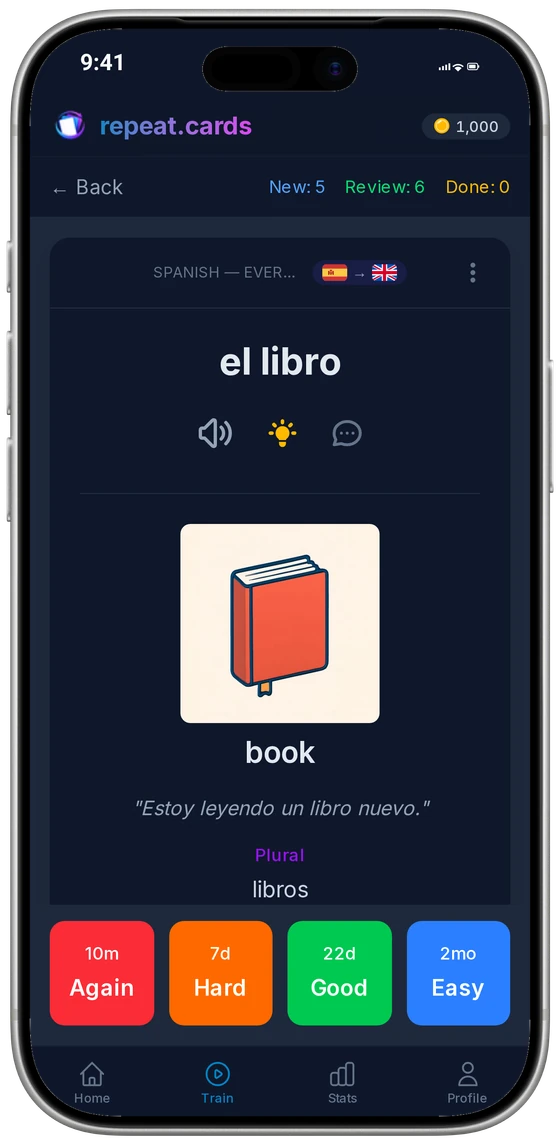
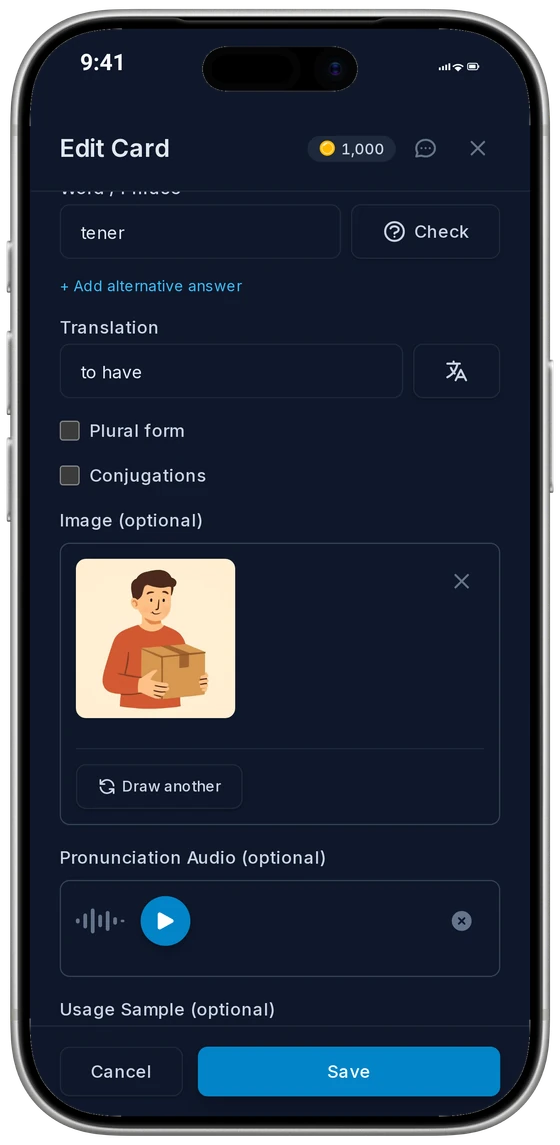
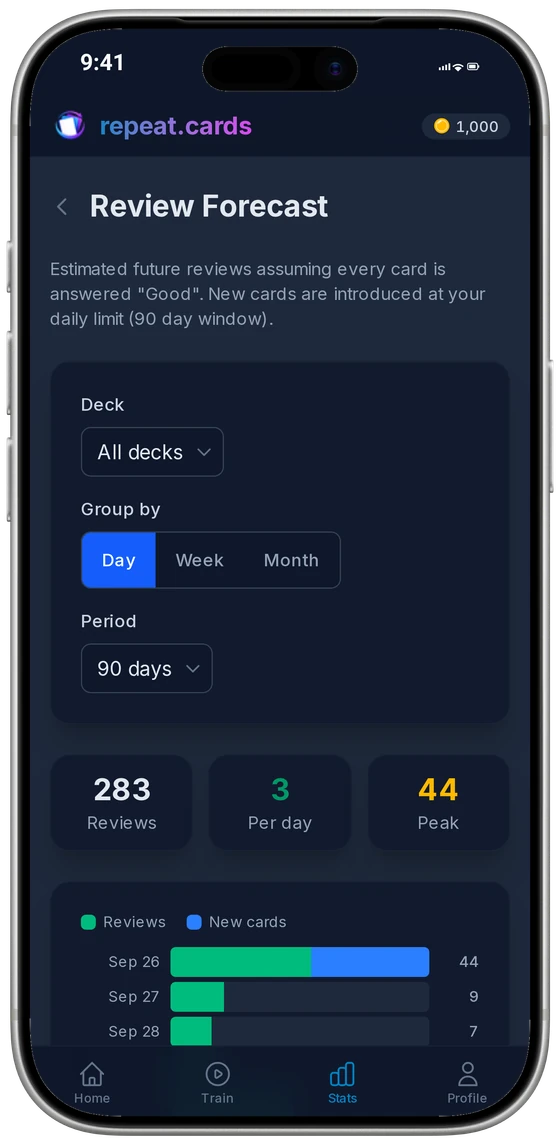
Build a deck on a laptop, review it on the iPhone on the way home, and pick it up on an Android tablet at the weekend: the spaced repetition does not care where a review happened. Everything the website does is on the iPhone too — decks with articles, plurals and verb forms, AI that builds the back of each card, typed answers with a letter-by-letter diff, the forecast and the statistics.
What each place offers
The iPhone app is not on the App Store yet; its column shows what it brings once it is.
Decks, cards, training
- Website
- Yes
- iPhone app
- Yes, the same ones
- Android app
- Yes, the same ones
AI-built cards
- Website
- Yes
- iPhone app
- Yes
- Android app
- Yes
Study reminders
- Website
- No
- iPhone app
- On your days and hours
- Android app
- On your days and hours
Sign in with Apple
- Website
- Yes
- iPhone app
- Yes
- Android app
- No
Catching words from other apps
- Website
- No
- iPhone app
- No
- Android app
- The capture bubble
Buying coins
- Website
- In the browser
- iPhone app
- Through the App Store
- Android app
- Through Google Play
Reminders on your hours
Choose when you want to be nudged: up to three groups of days, each with its own hours and how often. Set how many words a reminder brings, from one to fifty; tapping it opens a short session of that many words. Once today’s training is done, the rest of today’s reminders are skipped.
Sign in the way you like
Sign in with Apple, with Google, or with an email address and a password. Apple may hand us an address it made up to keep yours private; the account works the same either way.
Use it on your iPhone today
Open repeat.cards in Safari and sign in; every screen is laid out for a phone. To open it like an app, tap Share and then Add to Home Screen.
The core of repeat.cards is free. AI actions run on coins; every account starts with some for free, and more come in one-off packs. Prices are on the pricing page.
iPhone app FAQ
Is there an iPhone app?
Is it free?
Can I sign in with Apple?
Which iOS versions does it run on?
Is the capture bubble on the iPhone too?
How do I get a refund for coins bought on an iPhone?
Your decks, wherever you are.
Create your account once and train on any screen you have. Free to start, no credit card.
Get started — freeSame account everywhere · Reminders on your hours · Sign in with Apple
Keep reading
Android app
The free Android app: same decks and schedule as the web, plus reminders and the capture bubble.
Spaced repetition
FSRS schedules each word for the moment you would forget it, with the two directions of every card scheduled separately.
AI flashcards
Type a word and AI fills in the rest of the card: example, audio, mnemonic, picture, grammar.
Pricing
What coins are, what packs cost, and what stays free.